
Ollama Connect
Your Ollama models, from your phone.
Connect directly to Ollama on your Mac, PC, or home server from Android or iPhone. Chats and settings stay on your phone, with no account and no routing through our servers.
What it does
Use the server you already run
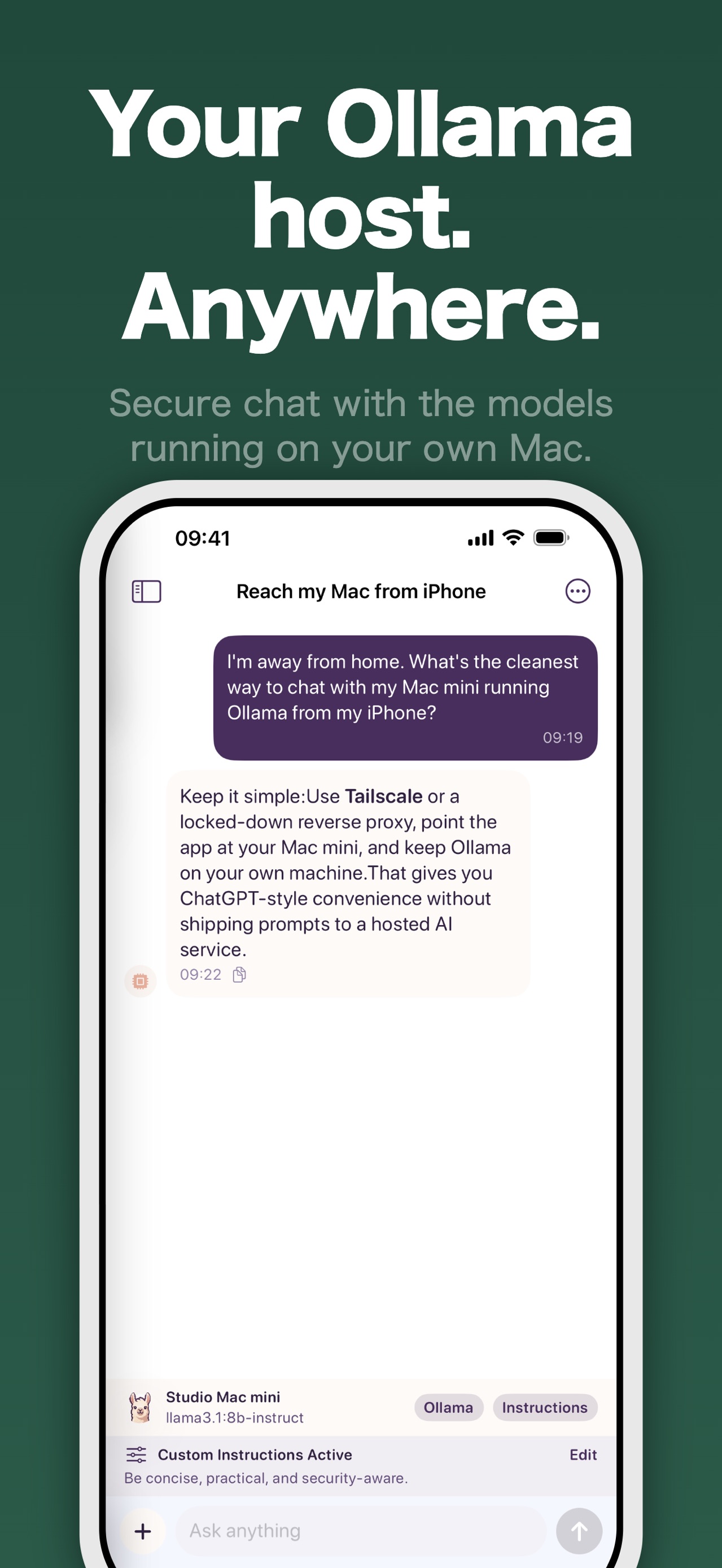
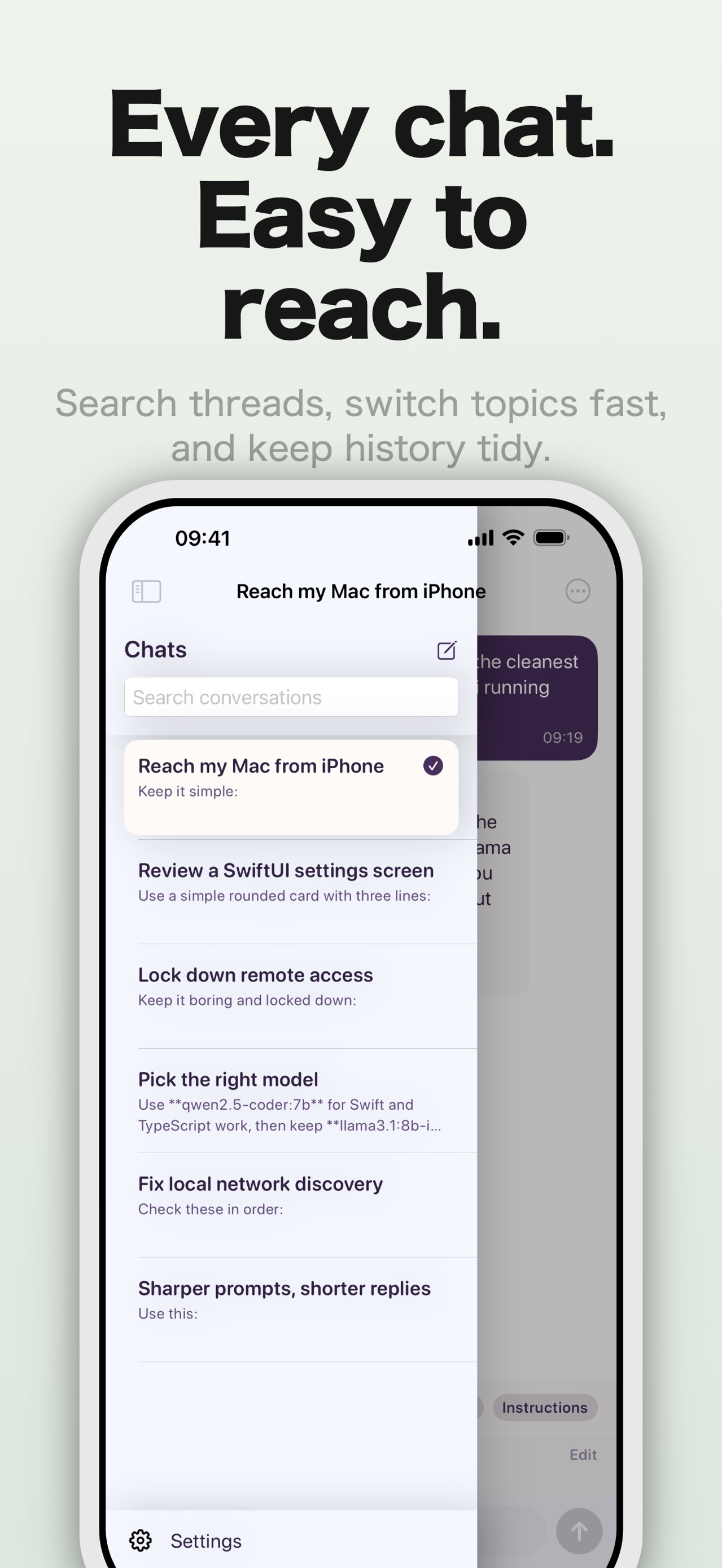
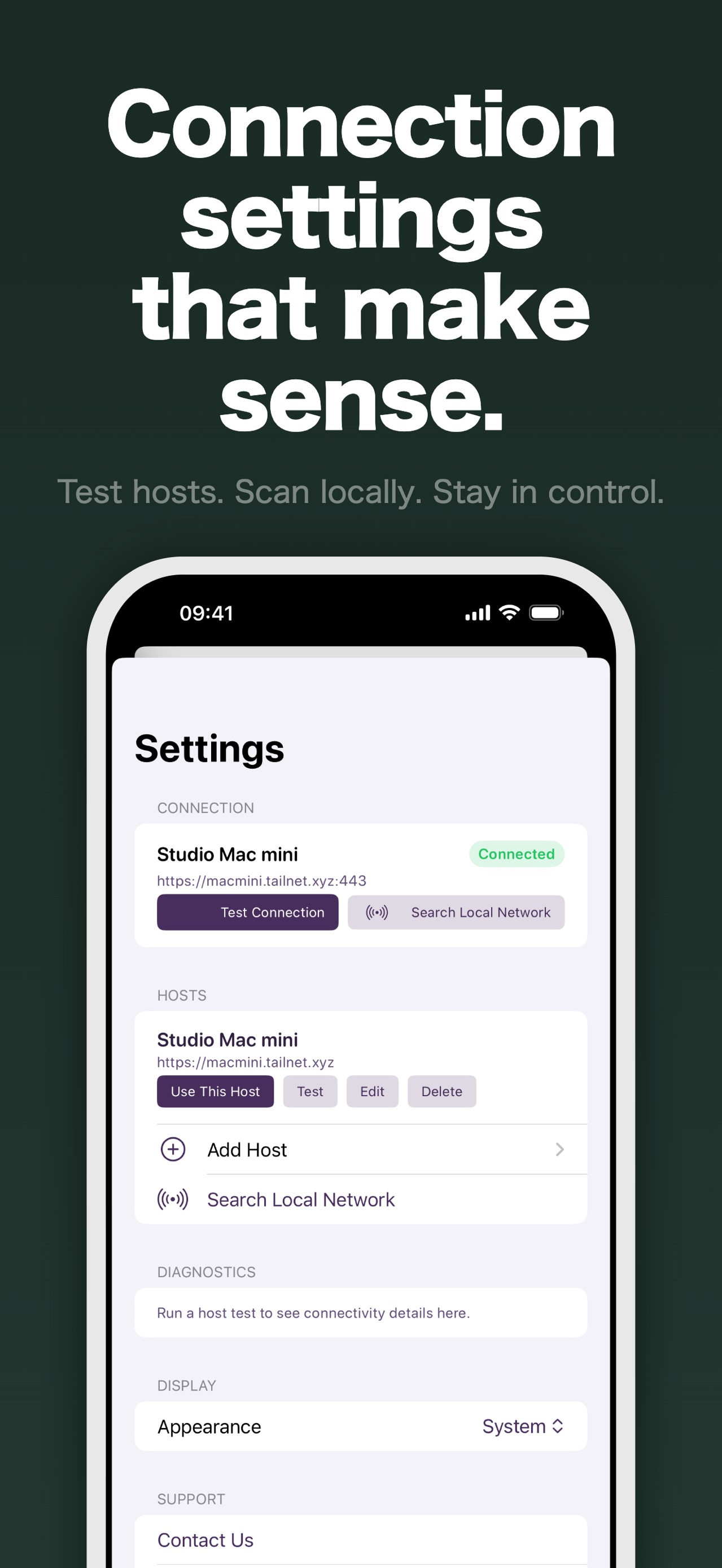
Discover Ollama on your local network or save a host manually, then choose a model for each conversation.
Private by architecture
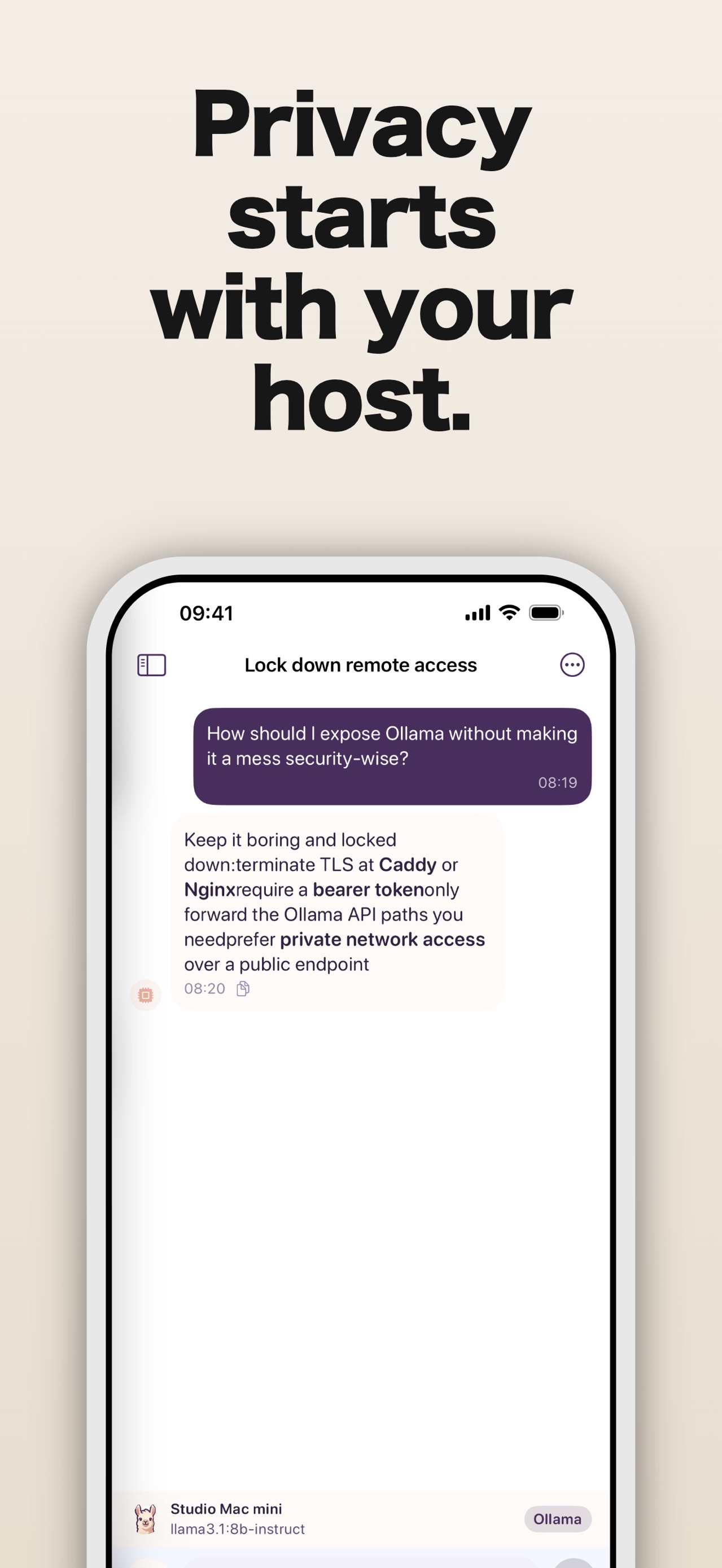
Your phone talks directly to the Ollama host you select. Pocket Grove has no relay server, account, analytics, or access to your chats.
Built for real model output
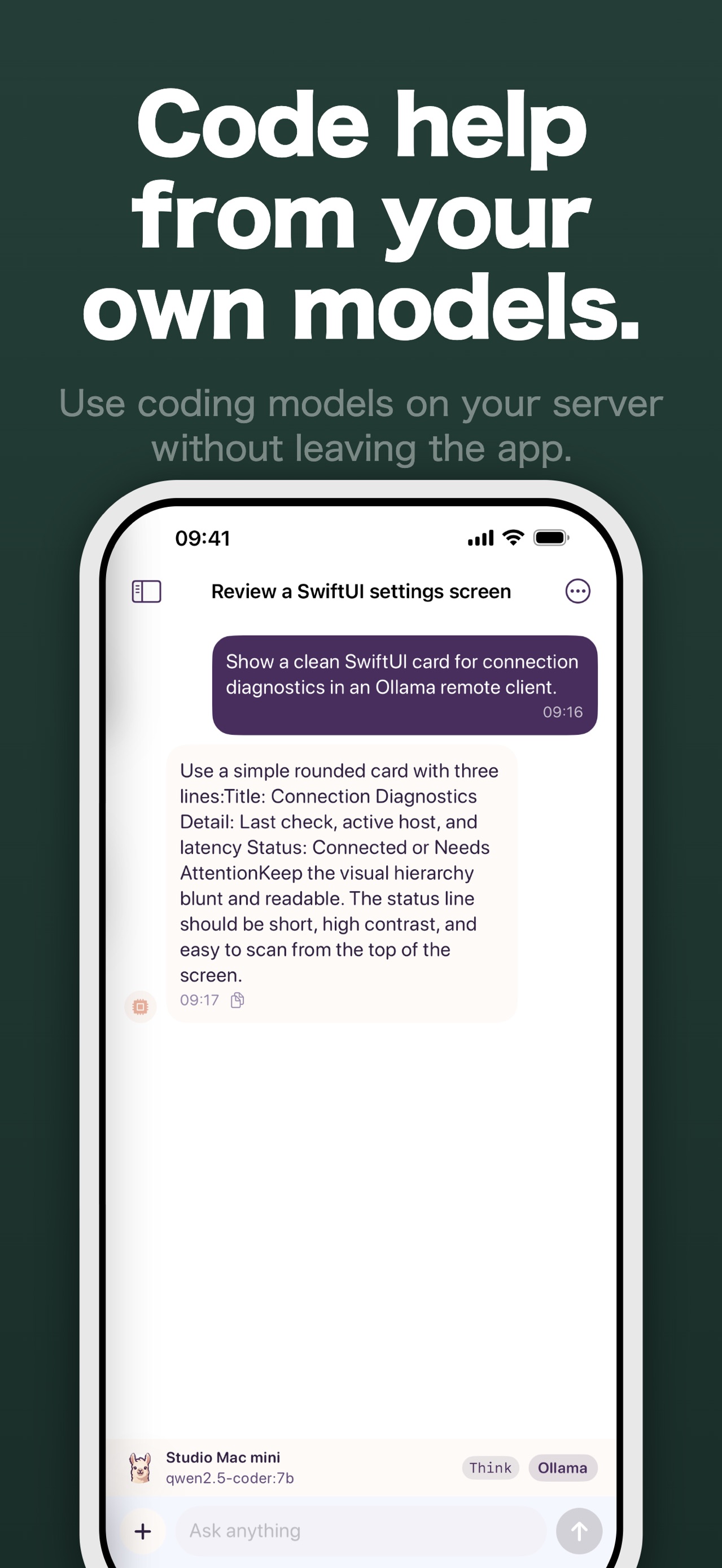
Replies stream as they arrive, with readable Markdown and code, persistent local history, attachments for supported models, and connection diagnostics.
Available on Android and iPhone
The same private remote-client idea is available from Google Play and the App Store.
Guides
Can You Run Ollama on iPhone or Android? What Works
Is there Ollama for iPhone or Android? Ollama officially runs on macOS, Windows, Linux and Docker. Here is how to use it from your phone instead, step by step.
Ollama Docker Network Setup: Ports, host.docker.internal
Run Ollama in Docker and reach it from other containers, your LAN and your phone: port 11434, host.docker.internal on Linux, logs and connection refused fixes.
Ollama Port 11434: Default URL, Changing It and Fixes
Ollama listens on localhost:11434 by default. Learn the default URL, how to change the port on Mac, Windows or Linux, and fix connection refused errors.
Ollama with Claude Code and Codex: Local Model Setup
How to use Ollama with Claude Code and Codex: ollama launch, the manual settings each tool documents, the 64k context window, and the limits of local models.
Ollama Remote Access: Use It Away From Home Safely
Reach your home Ollama server remotely without port forwarding. Use Tailscale or a VPN, why 11434 must stay private, and adding an API key with a reverse proxy.
Ollama Context Length and Memory When Chatting from Your Phone
Separate phone chat history from Ollama's active context, check host memory, and compare short and long conversations with a repeatable worksheet.
Ollama Not Connecting from Your Phone? 6 Checks
Fix an Ollama phone connection by checking the server address, OLLAMA_HOST, port 11434, firewall, path prefix, and proxy authentication.
Best Ollama Models for an 8 GB or 16 GB Mac (2026)
Which small Ollama models to try on an 8 GB, 16 GB or 32 GB Mac, with model tags, download sizes, memory caveats and a 10-minute test to pick one.
OLLAMA_HOST=0.0.0.0: Serve Ollama on Your Local Network
Run OLLAMA_HOST=0.0.0.0:11434 ollama serve to reach Ollama from other devices. Set it on Mac, Windows or Linux, open port 11434 and test with curl.
How to Use Ollama From Your iPhone or Android Phone
Run Ollama on your Mac or PC, change one setting, and chat with your own models from your phone over home Wi-Fi. Step by step, with how to keep it private.
Focused guide
Learn more about Ollama iPhone client.
See the core loop, screenshots, and answers to common questions on the dedicated search guide for Ollama Connect.
Read the Ollama iPhone client guideFrom the App Store listing
Ollama Connect is a private chat client for Ollama on iPhone.
Connect to Ollama running on your Mac, home server, or private endpoint and chat with your models from iPhone. Your chats and settings stay on your device. Nothing is routed through our servers.
Key features
- Connect to your own Ollama host
- Search the local network for nearby Ollama servers
- Fast streaming replies
- Persistent chat history stored locally on iPhone
- Per-chat model selection
- Photo and text file attachments for supported models
- Markdown and code-friendly responses
- Multiple saved hosts with connection diagnostics
Private by default
- No accounts
- No analytics
- No tracking
- Chats stay on your device unless you send them to your selected Ollama host
Notes
- Ollama Connect requires your own Ollama-compatible server
- Some features depend on model capabilities, such as vision support
Details
- Price
- Free
- Category
- Utilities
- Requires
- iOS 18.0 or later
- Age rating
- 4+
- Version
- 1.0.6
- Size
- 24 MB
- Updated
- 27 September 2026
Ready to try it?
Keep Ollama Connect close at hand.
Open the store page to see the latest version, screenshots, and availability for your device.
More from Pocket Grove


Questions about Ollama Connect? Get support or read the privacy policy.
All apps →