Generate without a cloud service
After a supported model is installed, image generation runs on your iPhone. There is no account or server-side generation.
Pocket Grove
Local AI Image Generator
offline AI image generator for iPhone
Local AI Image Generator is an offline AI image generator for iPhone. Download a supported open-weight model once, then turn prompts into images on your device without sending prompts or generated images to a cloud service.
For iPhone. See the App Store for current availability and requirements.
Verified details
These details come from the current store listing and are shown here so people and search assistants can check the product before choosing a store.
Private by design
After a supported model is installed, image generation runs on your iPhone. There is no account or server-side generation.
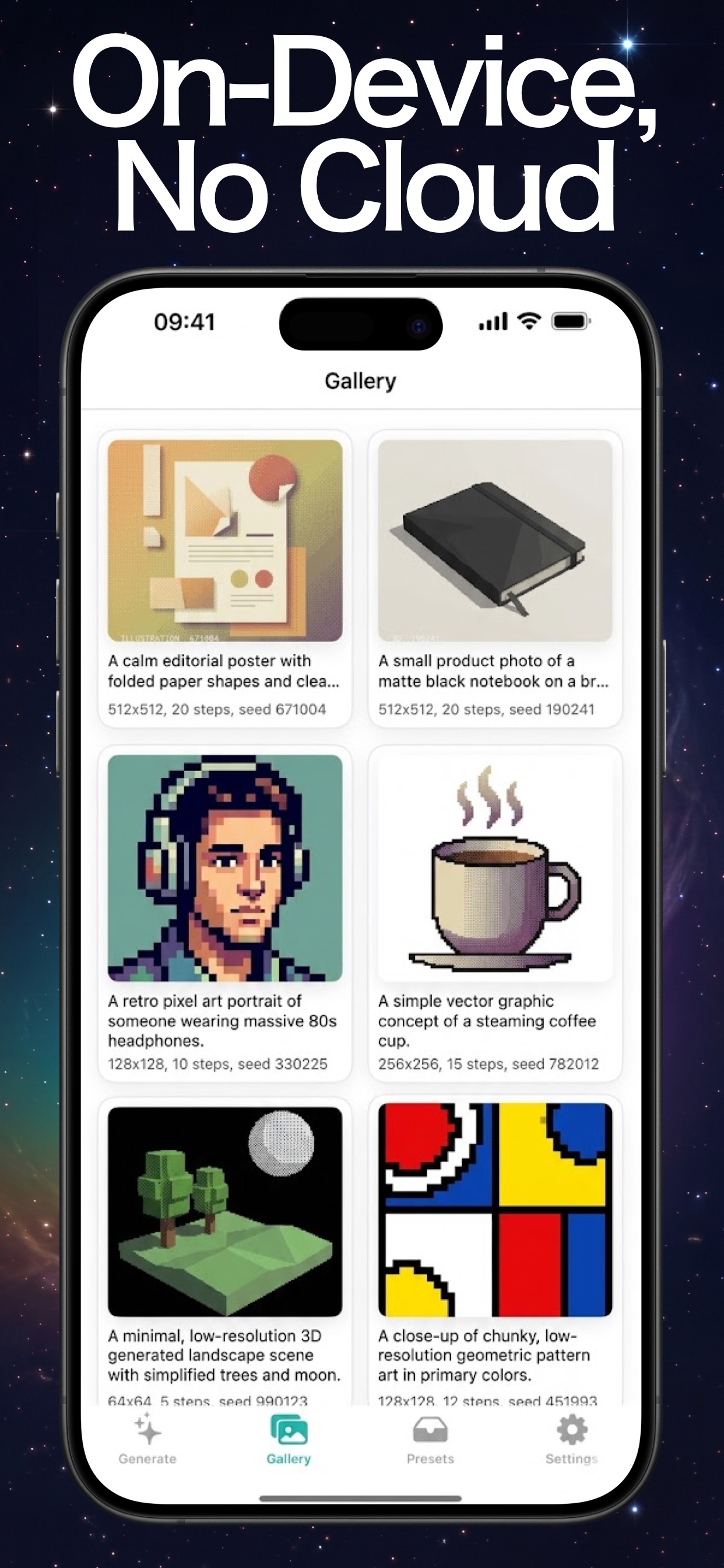
Prompts, generated images, and generation history stay on the device unless you choose to save or share an image.
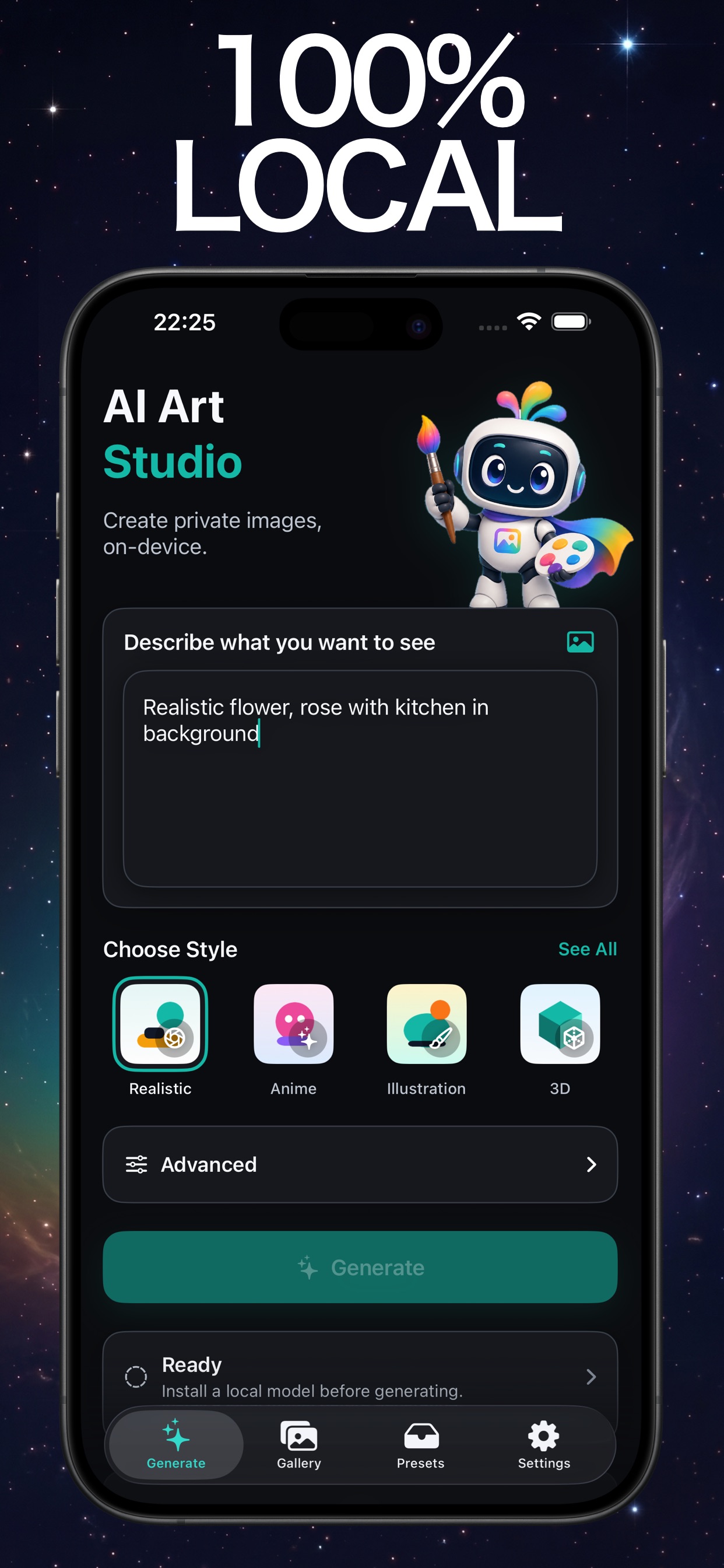
Use style presets and generation controls such as seed and steps, then keep useful prompt presets for later work.
The model library shows device requirements and license information before you download a supported open-weight model.
How it works
01
Open the model library and review its device and license information.
02
Install the model files on your iPhone before generating offline.
03
Write a prompt, choose a style, and adjust available generation settings.
04
Return to the local gallery, inspect the settings, and export only when you choose.
Inside the app
Keep exploring
Related Pocket Grove apps
Ollama Connect
Your Ollama models, from your phone.
Questions
Image generation works on the iPhone after you download and install a supported model. Downloading a model requires a network connection.
No. The current app and listing state that prompts and generated images are not uploaded for generation. Saving or sharing an image happens only when you choose it.
No. The app does not require an account or provide server-side generation.
No. Supported models and generation performance depend on the model and your iPhone hardware. Check the App Store and the in-app model library for current requirements.
The current App Store listing shows a free download. A one-time Pro unlock raises generation limits and adds queue and prompt-preset workflows; Apple shows current purchase details before download.
Ready when you are
Download Local AI Image Generator and create with a supported model on your own iPhone.