Use the server you already run
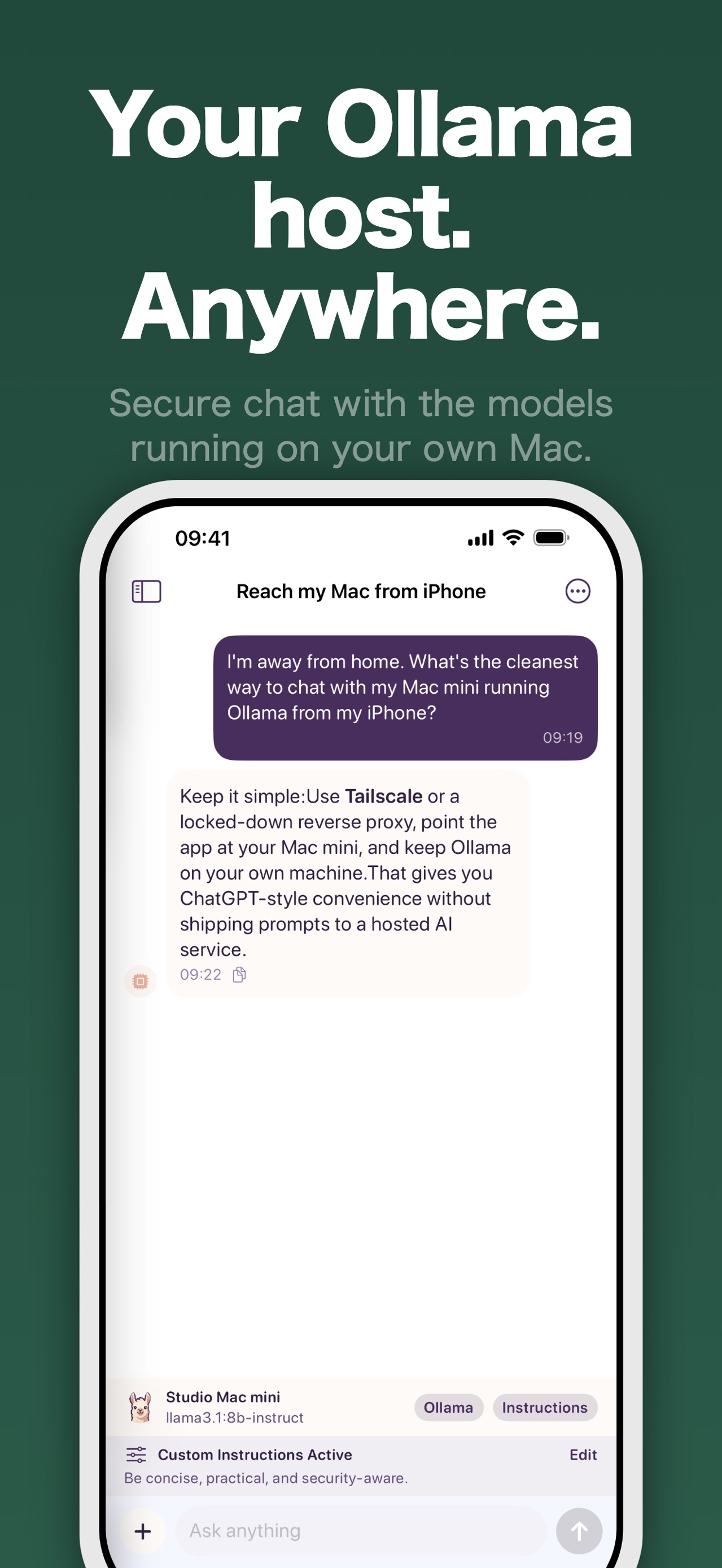
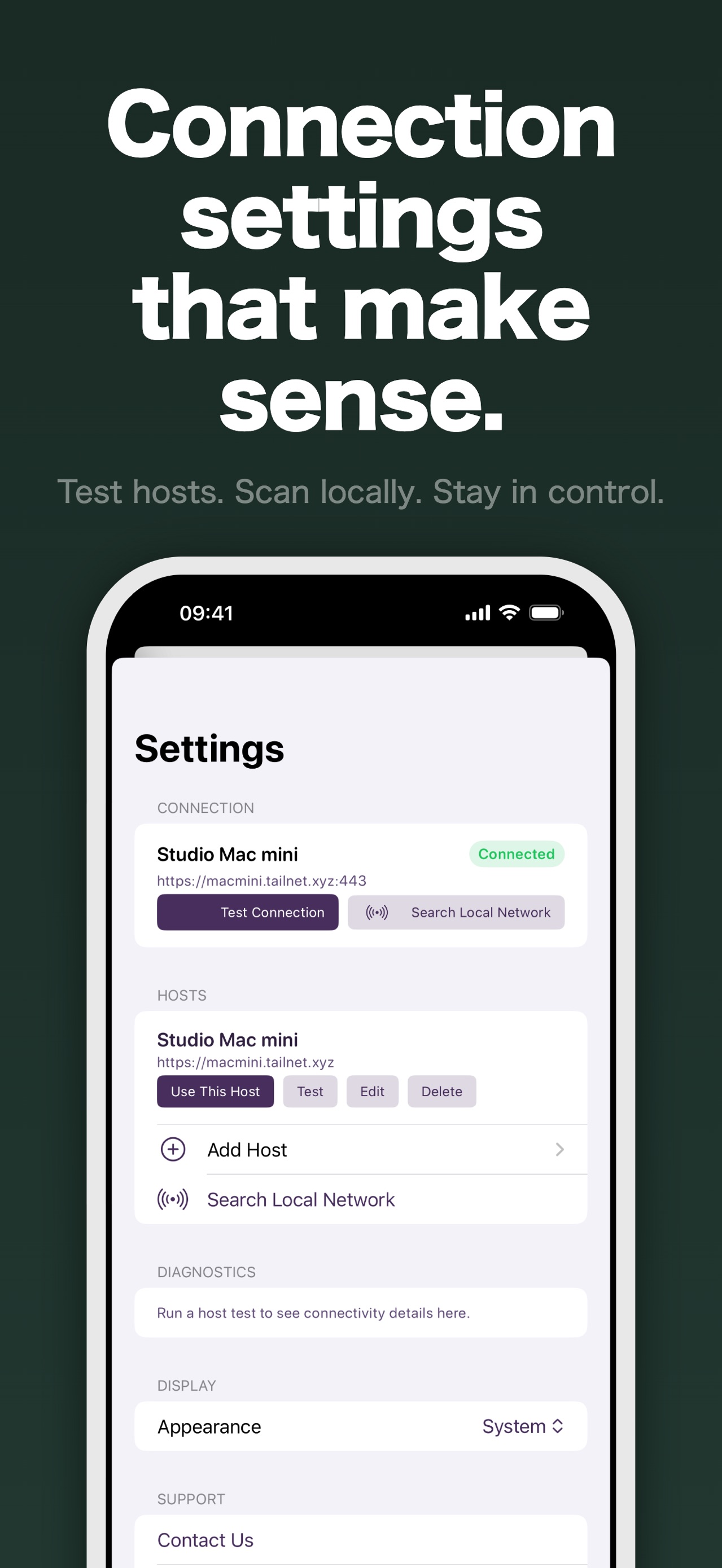
Connect to an Ollama host on your Mac, home server, or private endpoint. Search the local network or add a host manually.
Pocket Grove
Ollama Connect
Ollama iPhone client
Ollama Connect is a private Ollama iPhone client for chatting with models running on your Mac, home server, or another Ollama-compatible host. The app connects directly to the host you choose, while chats and settings stay on your phone.
For iPhone and Android. See the App Store or Google Play for current availability and requirements.
Verified details
These details come from the current store listing and are shown here so people and search assistants can check the product before choosing a store.
For people running their own models
Connect to an Ollama host on your Mac, home server, or private endpoint. Search the local network or add a host manually.
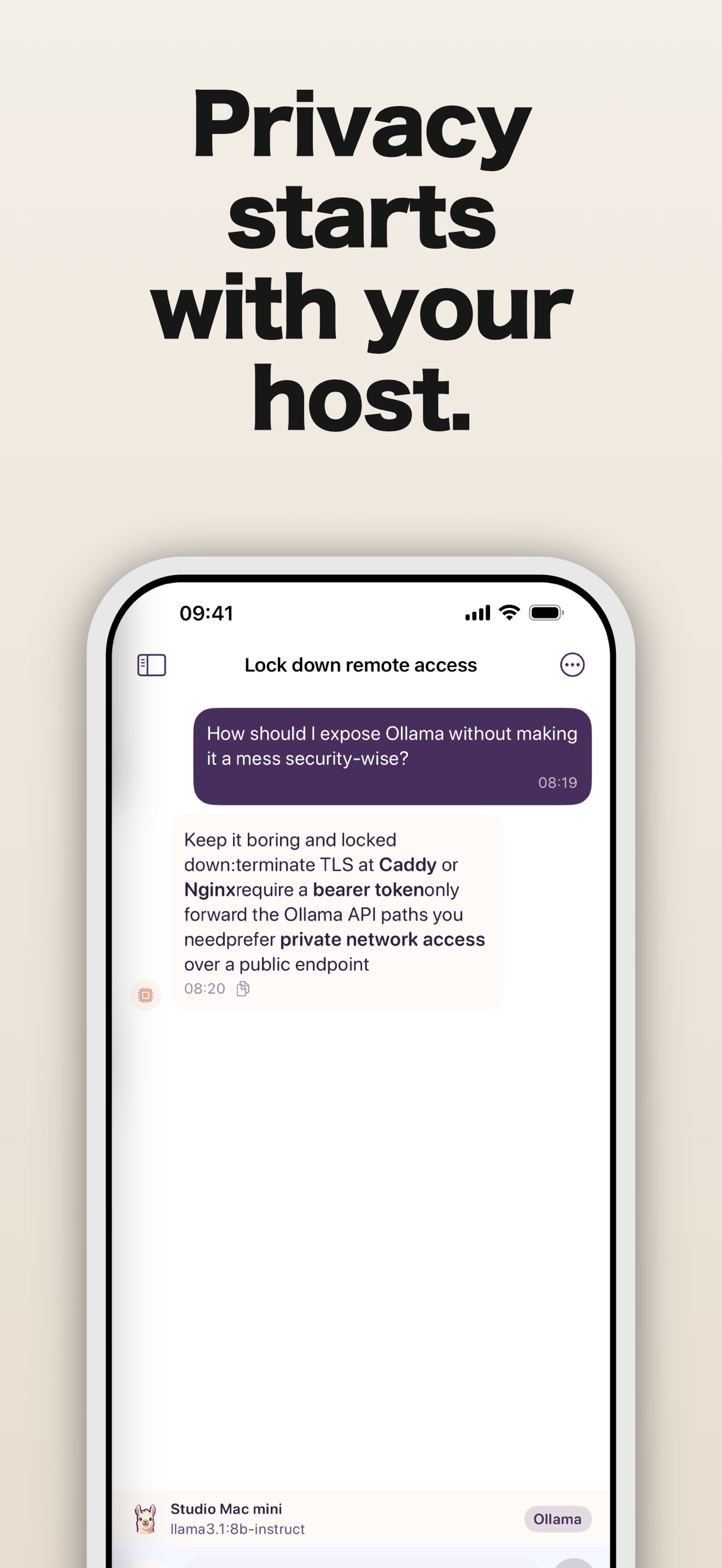
The app talks to the Ollama host you select. The current listing says there are no accounts, analytics, or tracking, and chats are not routed through Pocket Grove servers.
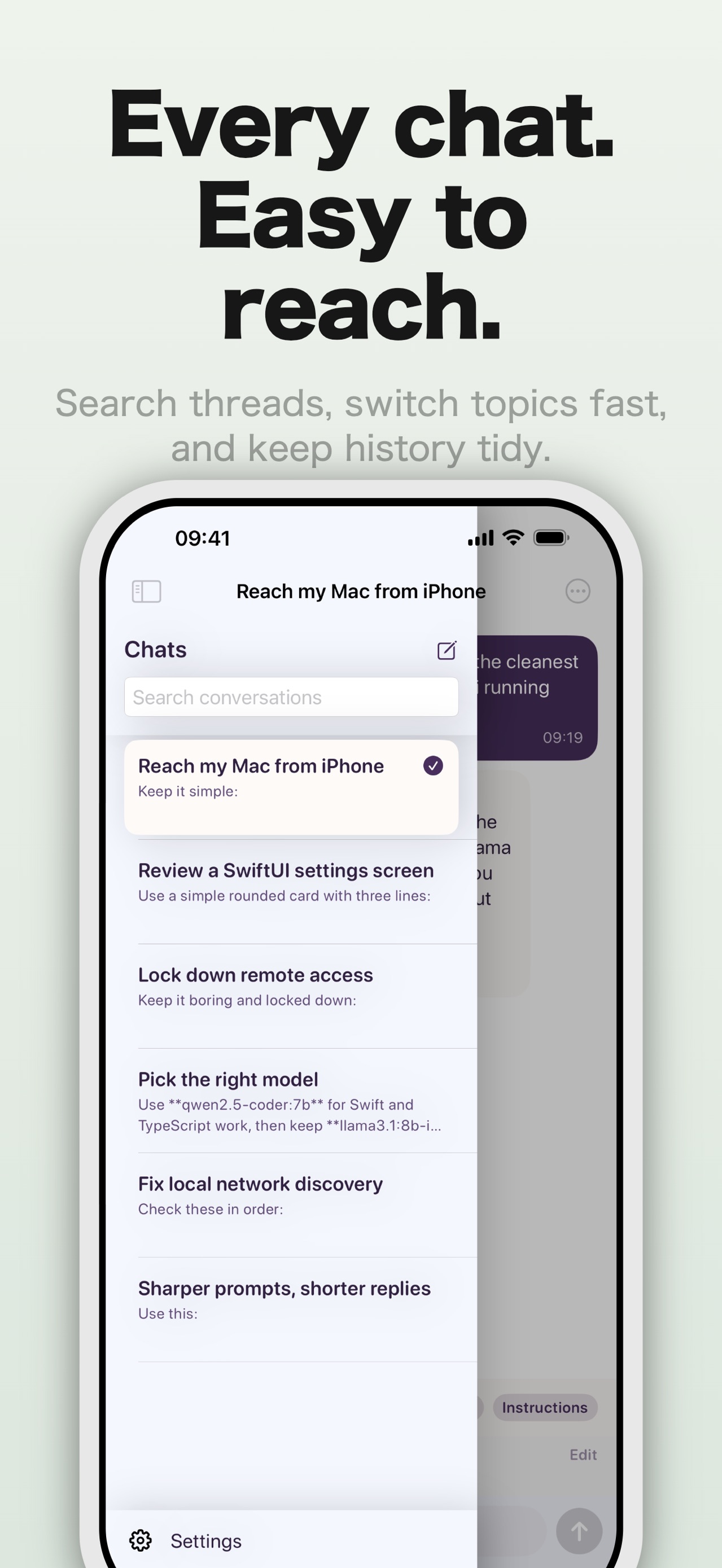
Fetch the models available on your host, choose the one that fits the conversation, and see replies stream as they arrive.
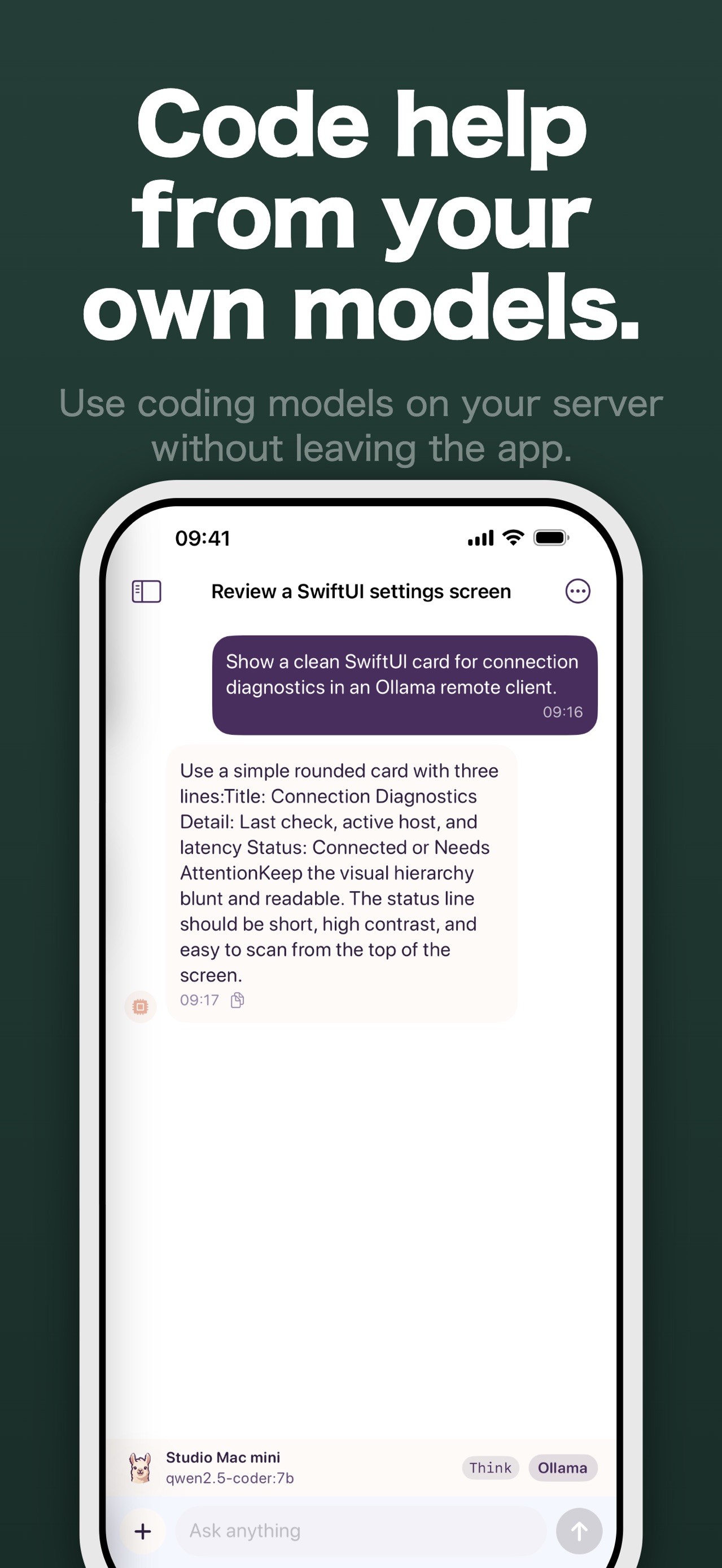
Persistent chat history, Markdown and code-friendly responses, photo and text-file attachments for supported models, and connection diagnostics keep the workflow practical.
How it works
01
Start an Ollama-compatible server on your Mac, home server, or private endpoint. Ollama Connect does not provide hosted inference.
02
Search the local network for a nearby server, or enter its address and optional authentication details manually.
03
Load the host's available models, select one for the conversation, and send prompts with streaming replies.
04
Keep chat history on the phone and use attachments when the selected model supports the required input, such as vision.
Inside the app
Keep exploring
Fix an Ollama phone connection by checking the server address, OLLAMA_HOST, port 11434, firewall, path prefix, and proxy authentication.
A practical shortlist of small Ollama models for a home Mac, with current model tags, download sizes, honest memory caveats, and a repeatable way to choose.
Connect to Ollama from another device on your Wi-Fi. Set OLLAMA_HOST, check port 11434 and fix connection problems on Mac, Windows or Linux.
Install Ollama on a Mac or PC, connect your phone over home Wi-Fi, and keep its unauthenticated API off the public internet. Step-by-step setup and privacy limits.
Related Pocket Grove apps
Local AI Image Generator
Create AI images locally on your iPhone.
Questions
It is a mobile chat client for Ollama. It connects to an Ollama-compatible host that you run or control, then lets you chat with the models available there.
Yes. Ollama Connect is a client and does not provide hosted models or inference. You need an Ollama-compatible server on your Mac, home server, or private endpoint.
No. The current App Store listing says chats stay on your device unless you send them to your selected Ollama host, and that nothing is routed through Pocket Grove servers. The host you configure is still responsible for receiving the prompt.
Yes. The app can search the local network for nearby Ollama servers. You can also save a host manually and run connection diagnostics.
The listing supports photo and text-file attachments for supported models. Image-related behavior depends on the capabilities of the model you select.
Pocket Grove provides current App Store and Google Play destinations for Ollama Connect. Use the button for your device to see the latest availability and requirements.
Ready when you are
Download Ollama Connect and take your own Ollama models with you.