Keep speech on the phone
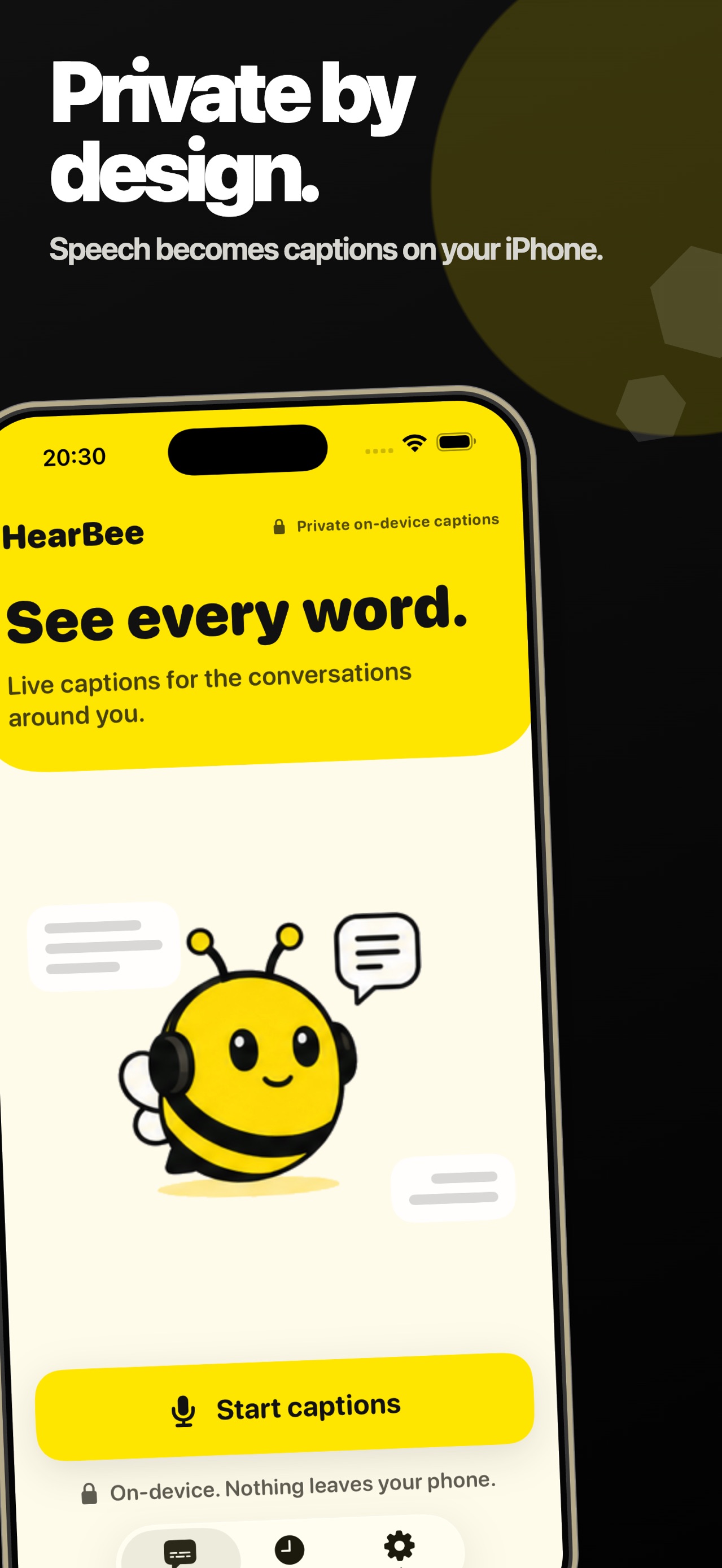
Speech recognition and supported conversation summaries run on device, with no account, upload, or cloud processing.

Pocket Grove
Live Captions HearBee
live captions for iPhone
HearBee turns nearby speech into large, high-contrast captions on iPhone. It is designed for Deaf and hard-of-hearing people, with on-device recognition and no account or cloud upload.
For iPhone. See the App Store for current availability and requirements.
Verified details
These details come from the current store listing and are shown here so people and search assistants can check the product before choosing a store.
Designed for readable conversations
Speech recognition and supported conversation summaries run on device, with no account, upload, or cloud processing.
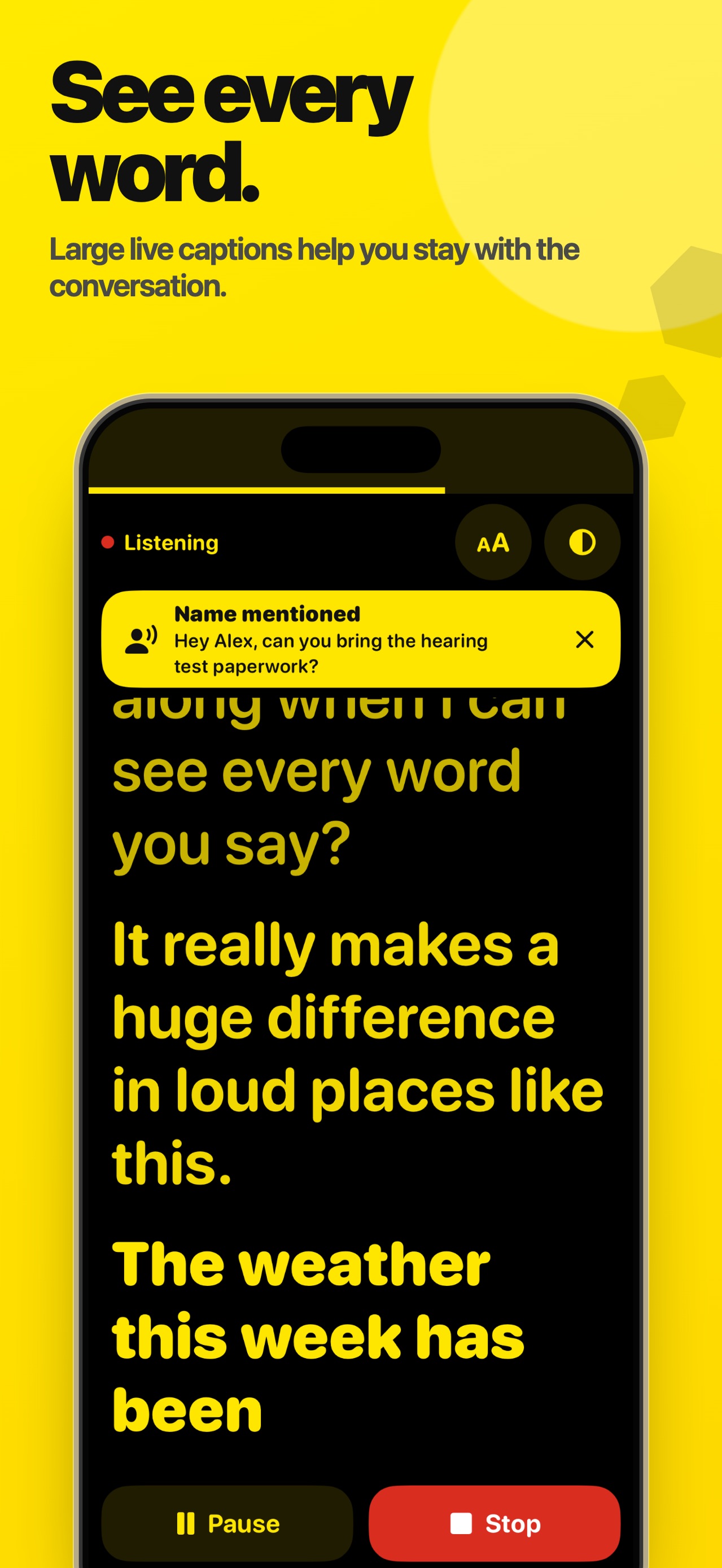
Captions accumulate so you can scroll back through a conversation instead of losing earlier words.
Sessions can be saved, searched afterwards, and exported as plain text or .srt files.
Use high-contrast themes, larger text, name and question alerts, and Hearing Boost with connected headphones.
How it works
01
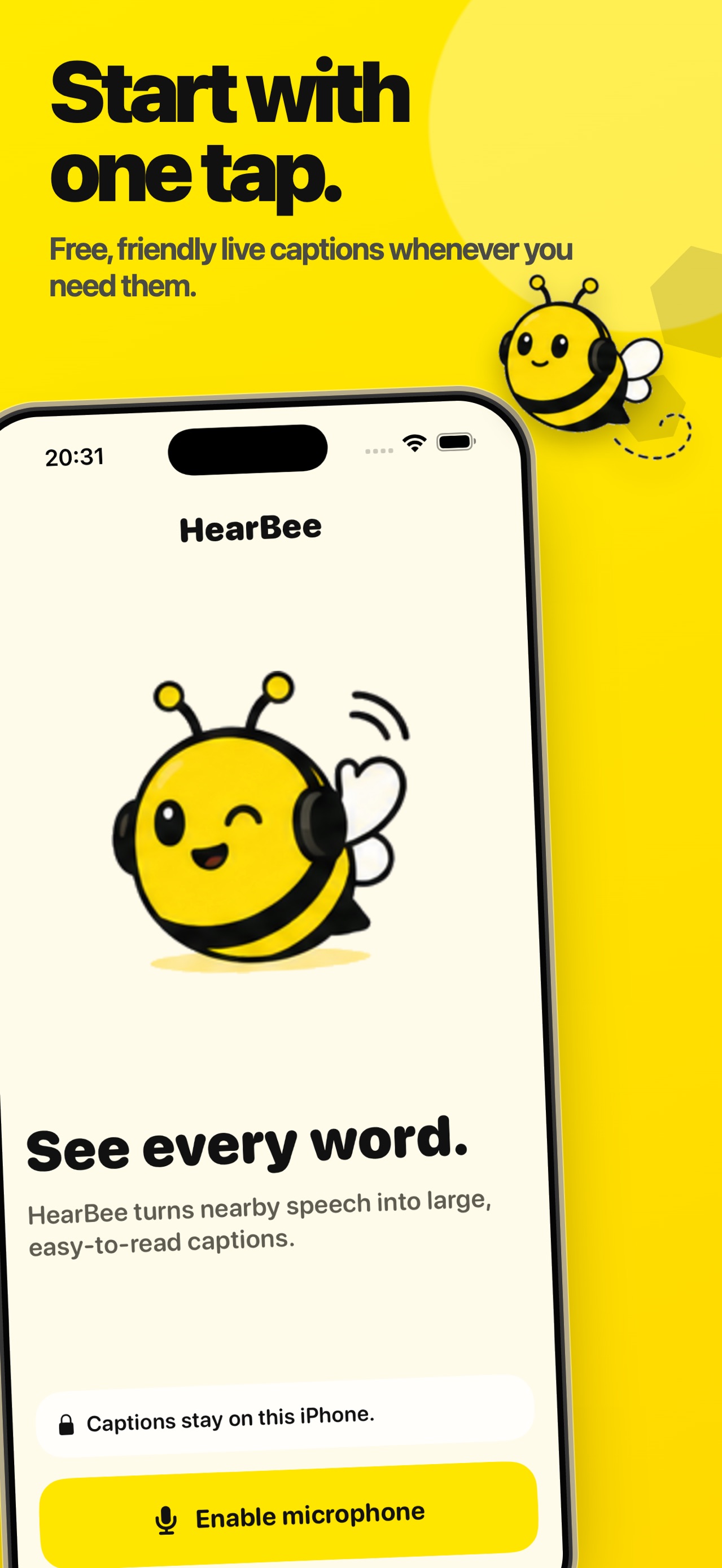
Tap Start and allow microphone access when iPhone asks.
02
Nearby speech appears as large, high-contrast text with scrollback.
03
Keep a session in history and create a title or supported on-device summary.
04
Share a saved transcript as plain text or an .srt file.
Inside the app
Keep exploring
Questions
HearBee is designed for Deaf and hard-of-hearing people who want nearby speech displayed as readable captions.
The current listing says speech recognition and conversation summaries run on device, with no accounts, uploads, or cloud processing.
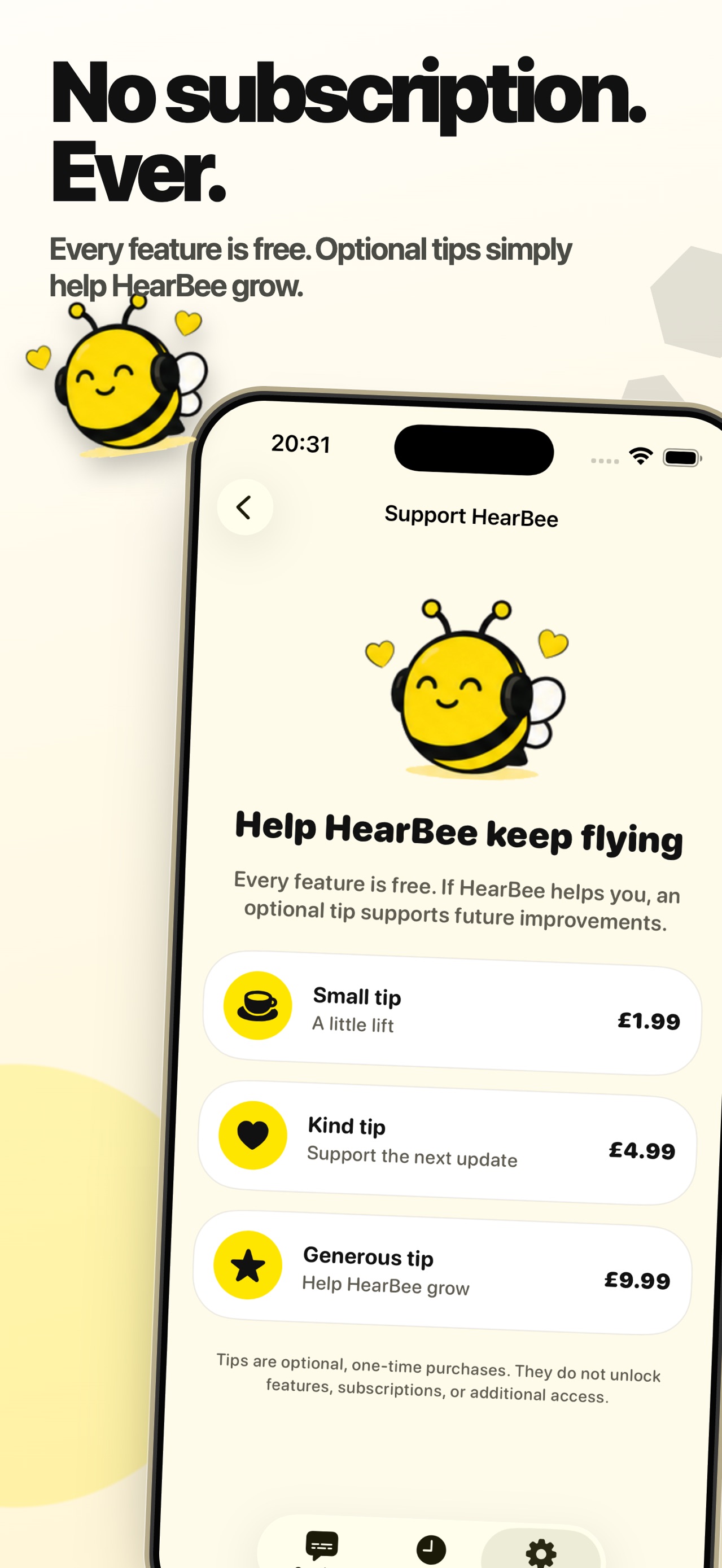
The current listing says every feature is free. It includes optional one-time tips that do not unlock additional features.
Yes. Sessions can be saved and exported as plain text or .srt files.
The current listing requires iOS 26 or later.
Ready when you are
Download HearBee and start a private, on-device caption session.