Live Captions HearBee, with a caption reader you can try
A demonstration, not a recording
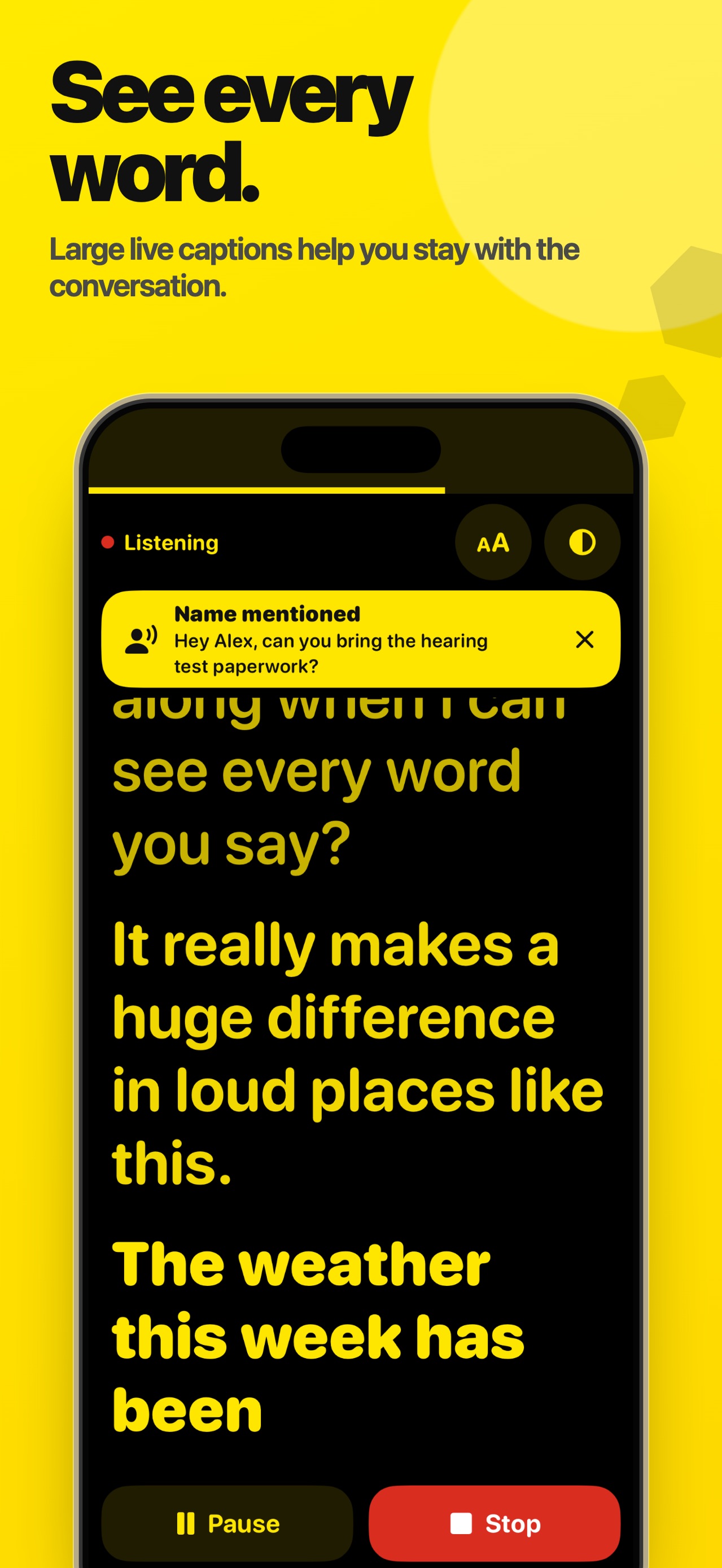
Demonstration captions: Sorry — it's really loud in here. Can you still follow me? Yes. I can see every word you say now. That makes such a difference. Shall we take the table by the window?

Live Captions HearBee
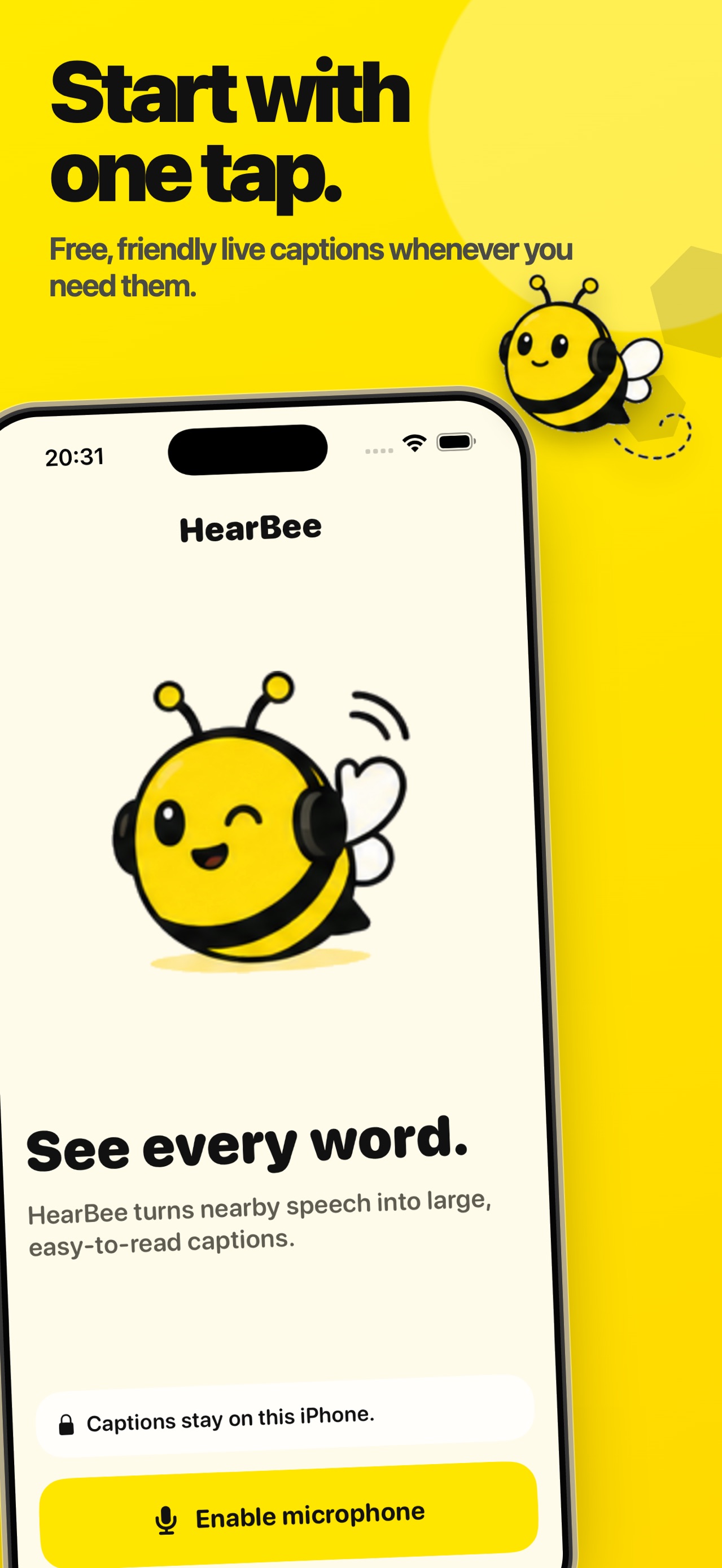
Nearby speech, on your iPhone, in type you choose. Free, with no subscription and nothing sent off the device.
Screens
What it does
Nothing leaves the phone
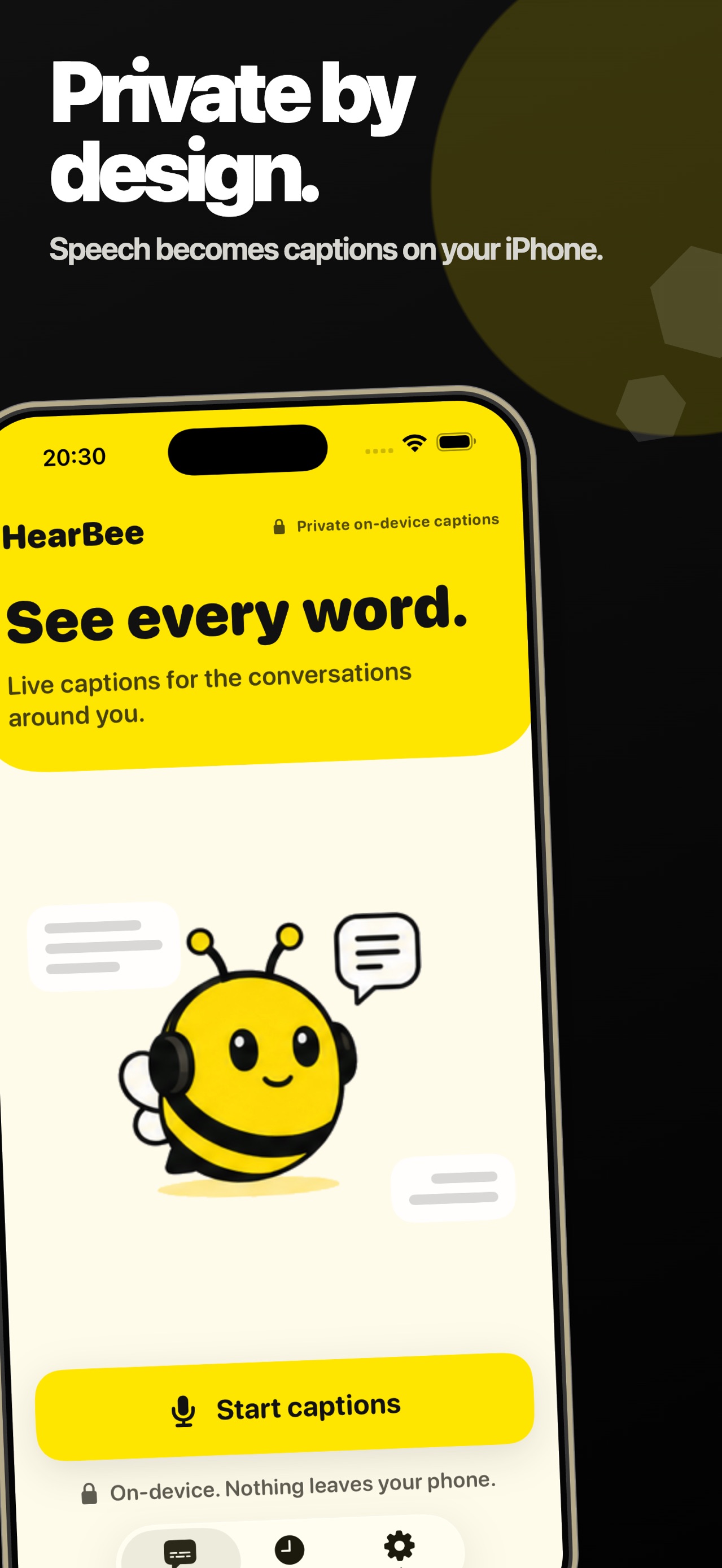
Speech recognition and the conversation summaries both run on device. There are no accounts, no uploads, and no cloud processing.
Free, with no paywall
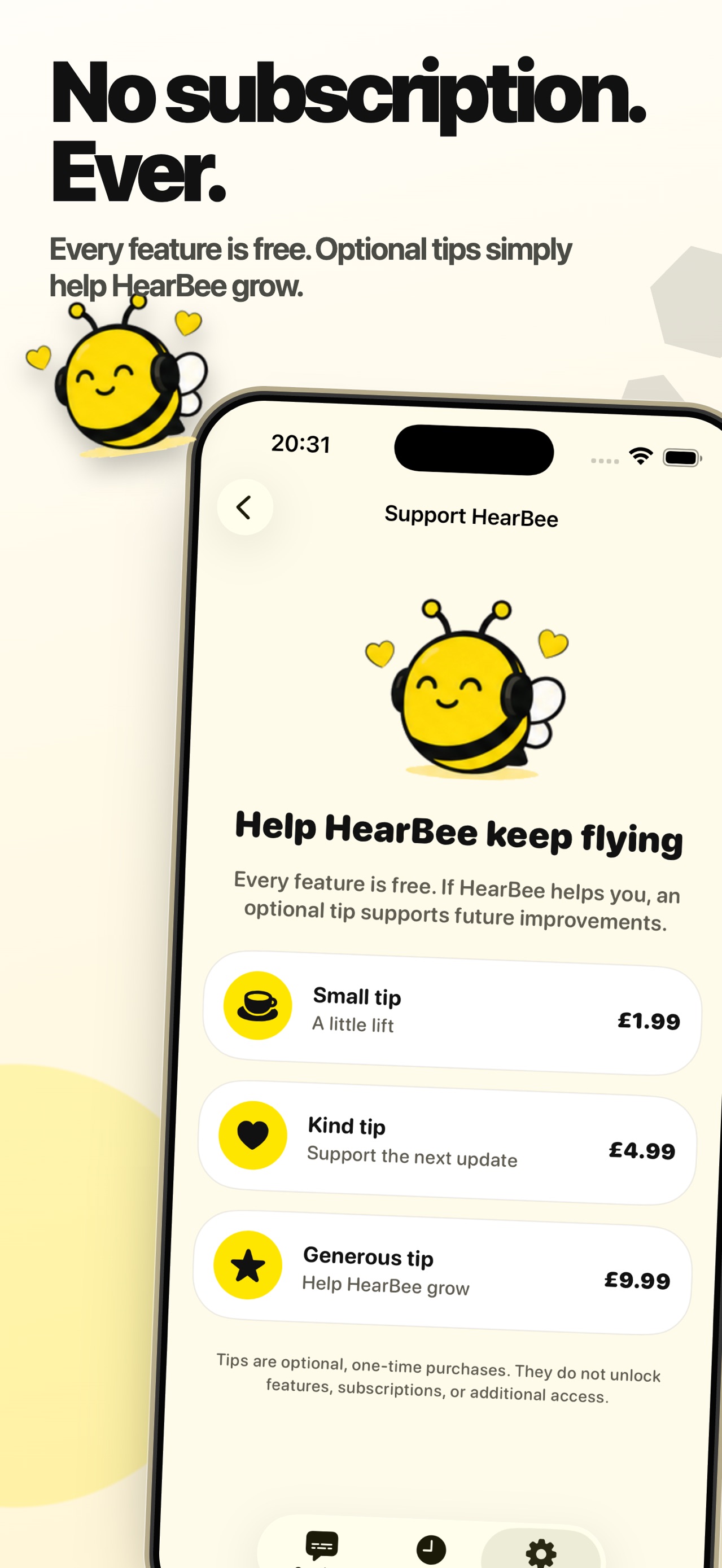
Every feature is unlocked for everyone. Three optional one-time tips exist in Settings; they unlock nothing, because there is nothing left to unlock.
The whole conversation stays
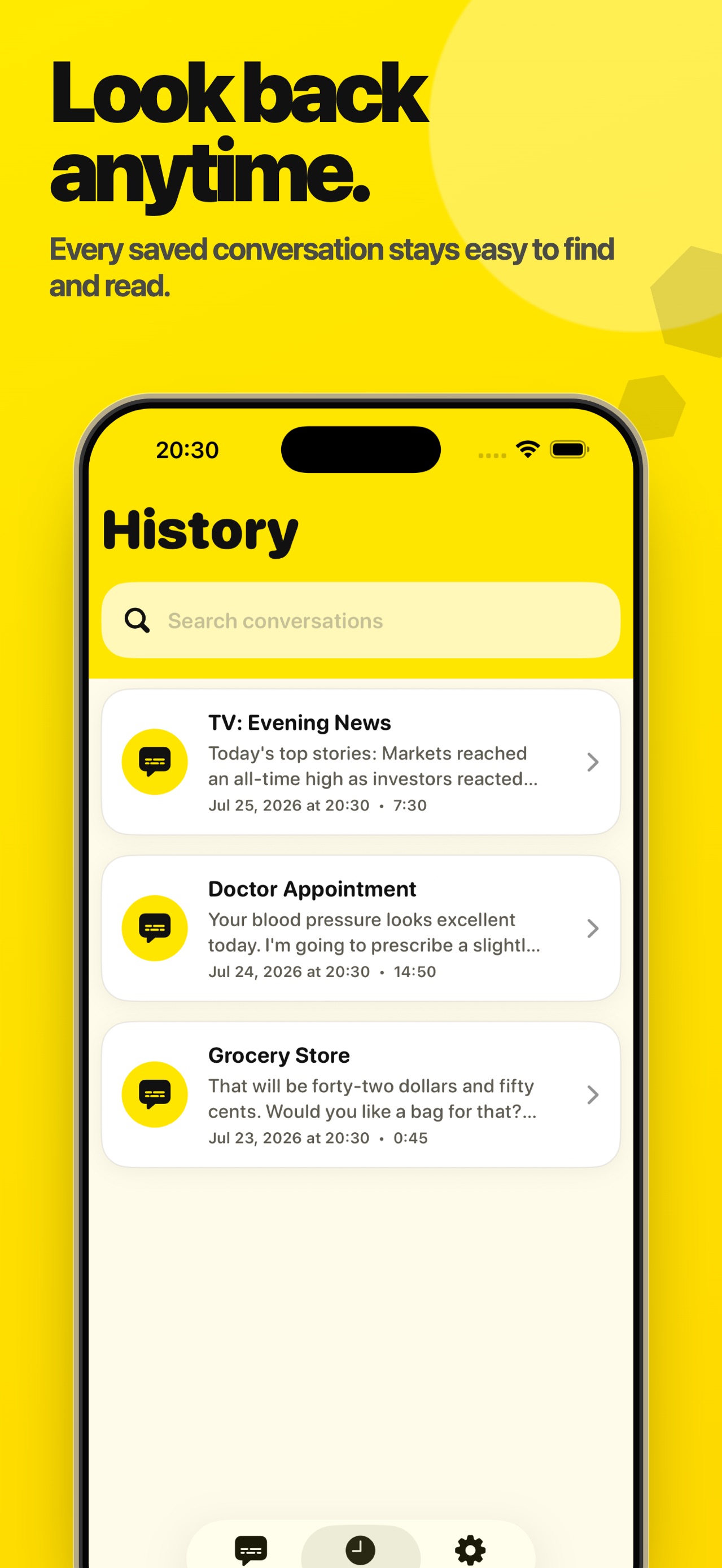
Captions accumulate rather than replace, so you can scroll back mid-conversation. Sessions are saved, searchable afterwards, and exportable as plain text or .srt.
Hearing Boost needs headphones
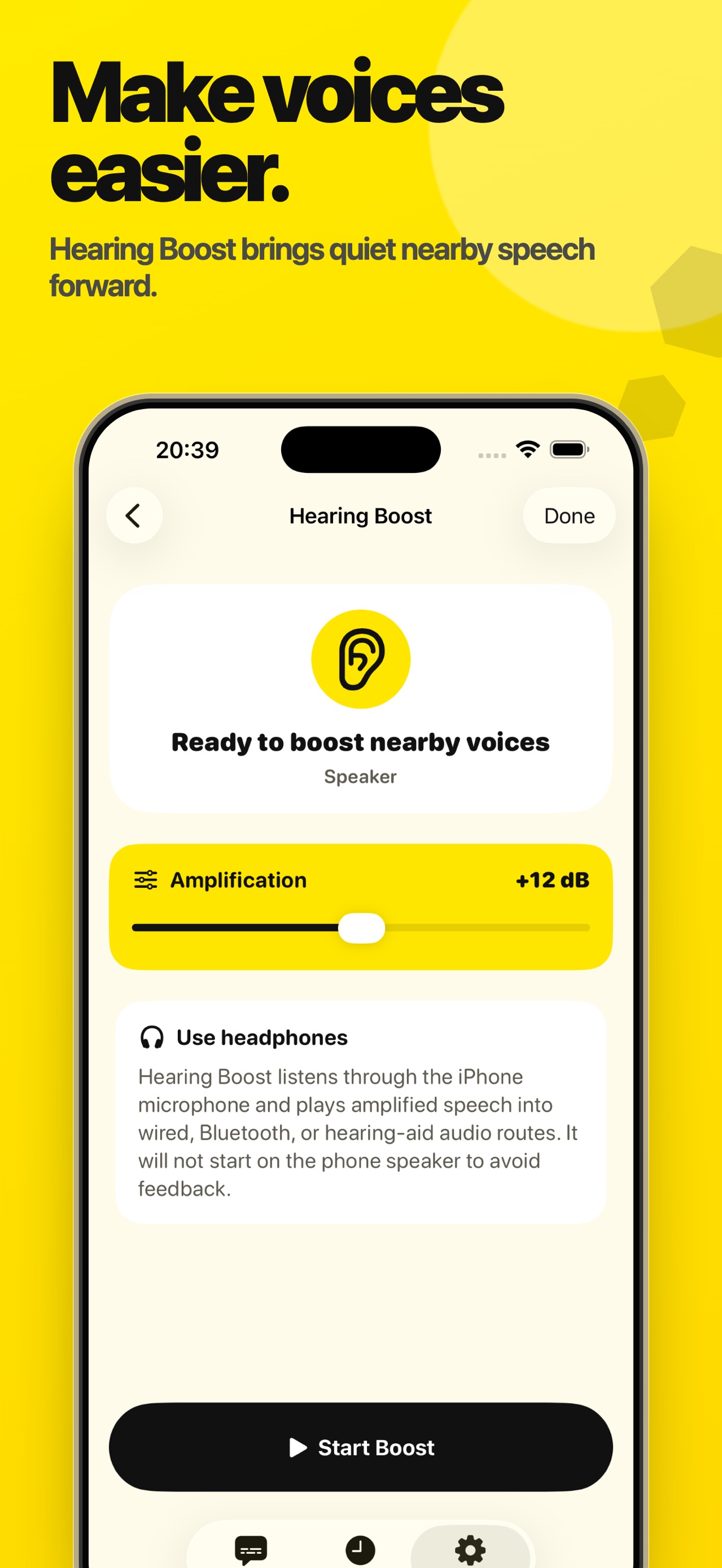
Quiet nearby speech can be amplified into headphones or a hearing-aid route. It will not start on the phone speaker, which would feed back.
Guides
Focused guide
Learn more about live captions for iPhone.
See the core loop, screenshots, and answers to common questions on the dedicated search guide for Live Captions HearBee.
Read the live captions for iPhone guideFrom the App Store listing
See nearby speech as large, easy-to-read captions. Live Captions HearBee is built for Deaf and hard-of-hearing people, with a simple design, complete scrollback, and private on-device speech recognition.
Every feature is free. There is no subscription and no feature paywall.
Key features
- Live captions in real timeSee speech as it happens with large text and high-contrast reader themes.
- 100% on-deviceAudio stays on your iPhone. No accounts, no uploads, no cloud processing.
- Built for everyday conversationsUse it at home, in meetings, at appointments, in cafes, or anywhere speech is hard to follow.
- Save session historyKeep recent conversations as text and open them again later when you need to check details.
- Export transcriptsShare saved sessions as plain text or .srt files.
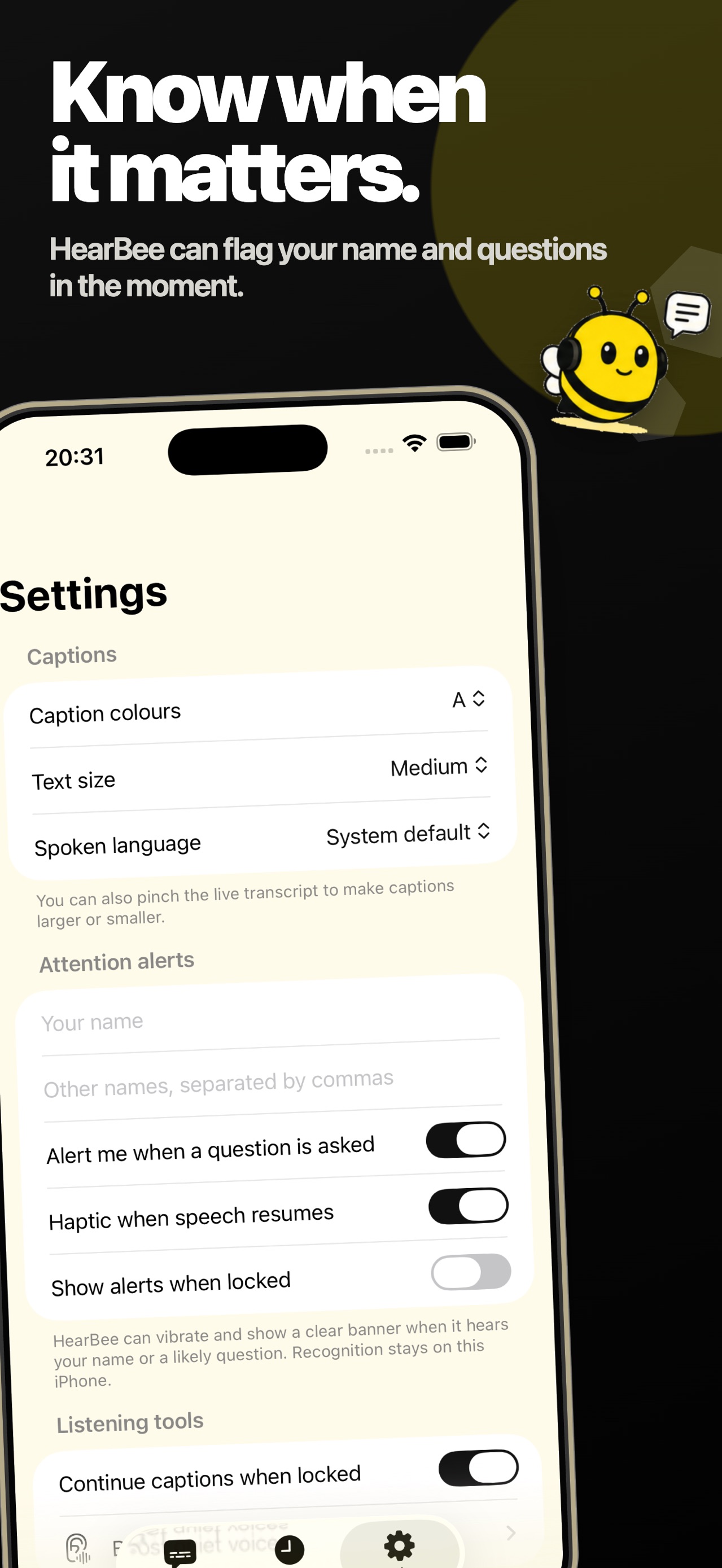
- Name and question alertsSurface the moments that matter when someone says your name or asks a question.
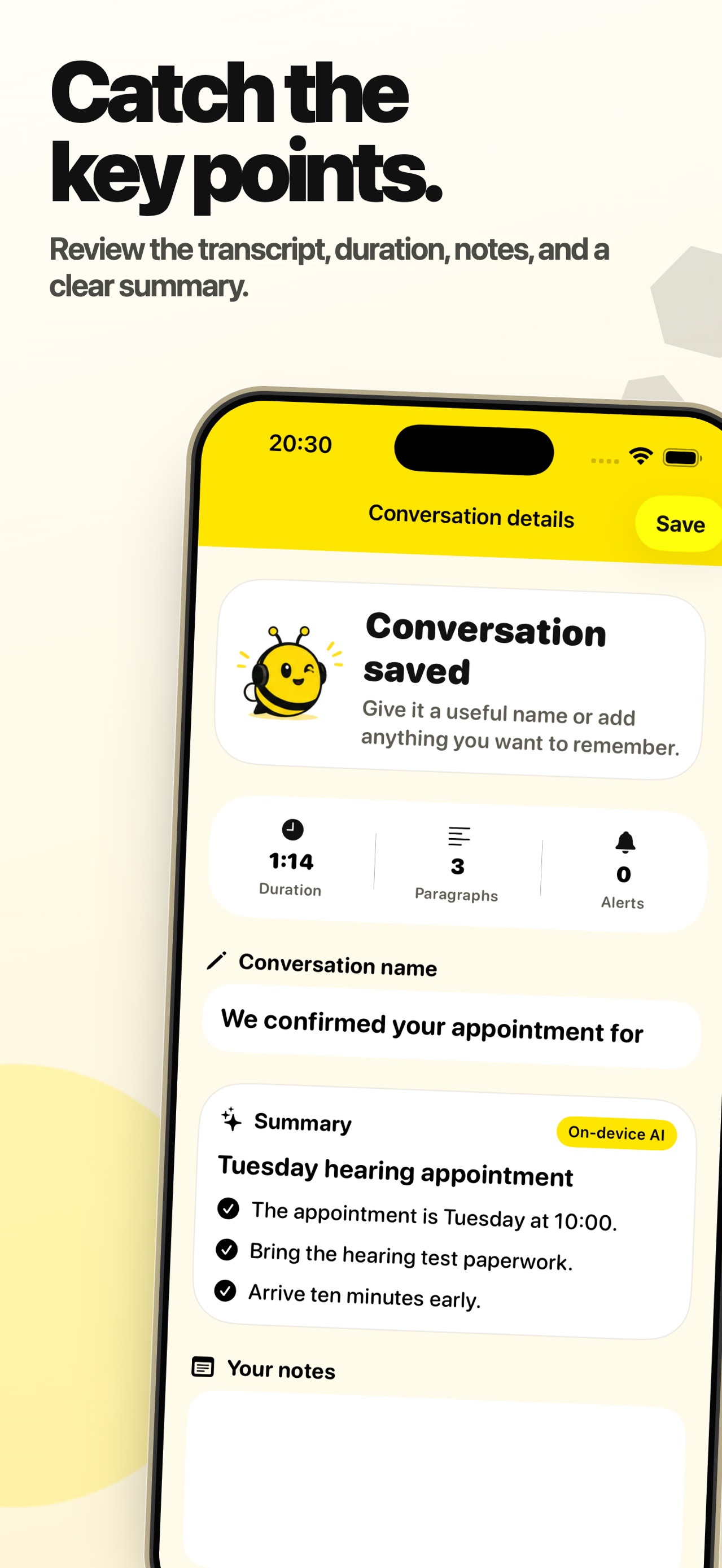
- Conversation summariesCreate a useful title and key-point summary on supported devices using Apple's on-device intelligence.
- Reader personalizationChoose from multiple high-contrast themes, larger font sizes, and playback-friendly settings.
- Hearing toolsBoost quiet voices through connected headphones, connect your Apple Hearing Test audiogram, and continue captions from the Lock Screen.
Optional tips
If HearBee helps you, Settings includes optional one-time tips at several price points. Tips do not unlock features or additional access.
Details
- Price
- Free
- Category
- Medical
- Requires
- iOS 26 or later
- Age rating
- 4+
- Version
- 1.2
- Size
- 12 MB
- Updated
- 31 July 2026
Ready to try it?
Keep Live Captions HearBee close at hand.
Open the store page to see the latest version, screenshots, and availability for your device.
More from Pocket Grove


Questions about Live Captions HearBee? Get support or read the privacy policy.
All apps →