Keep little fingers in the activity
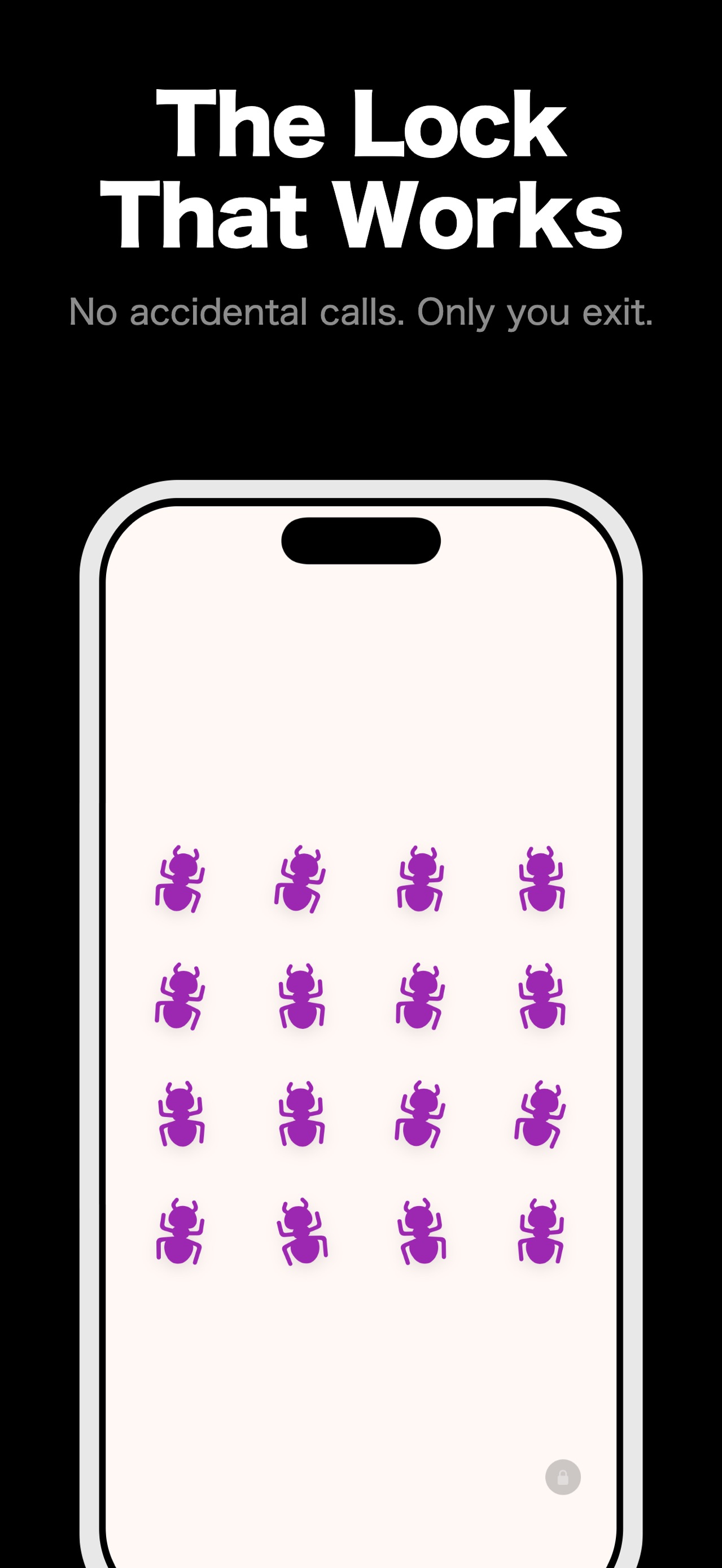
The parent lock hides exit controls while play is running, with a deliberate unlock gesture for adults.
Pocket Grove
Baby Screen Lock: Kid Safe
toddler-proof iPhone screen lock
Baby Screen Lock fills the screen with simple activities and keeps exit controls behind a parent lock, so a toddler can tap and play without opening other apps or calling someone by accident.
For iPhone. See the App Store for current availability and requirements.
Verified details
These details come from the current store listing and are shown here so people and search assistants can check the product before choosing a store.
Made for safer hand-offs
The parent lock hides exit controls while play is running, with a deliberate unlock gesture for adults.
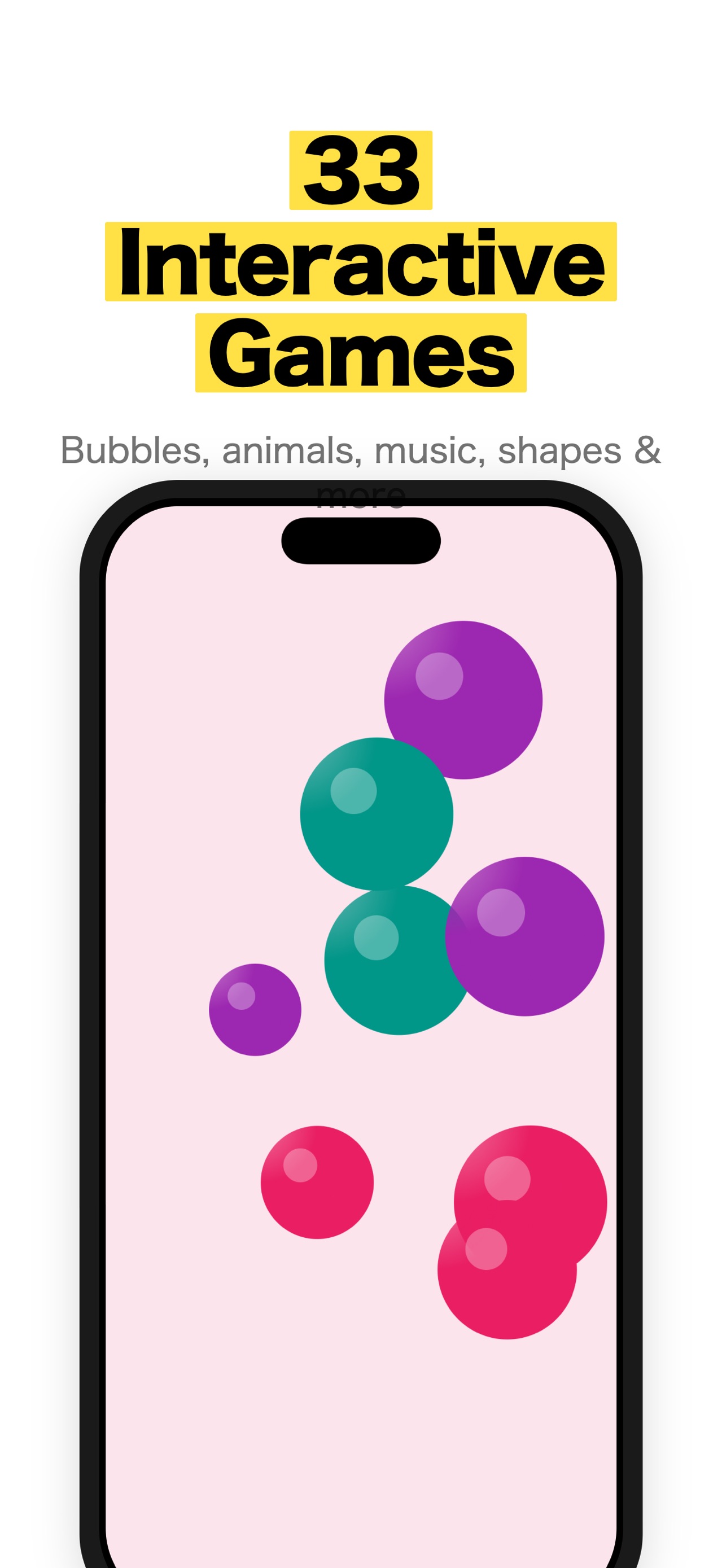
Bubbles, animals, shapes, drawing, fireworks, music, balloons, kaleidoscope patterns, and more respond to tapping.
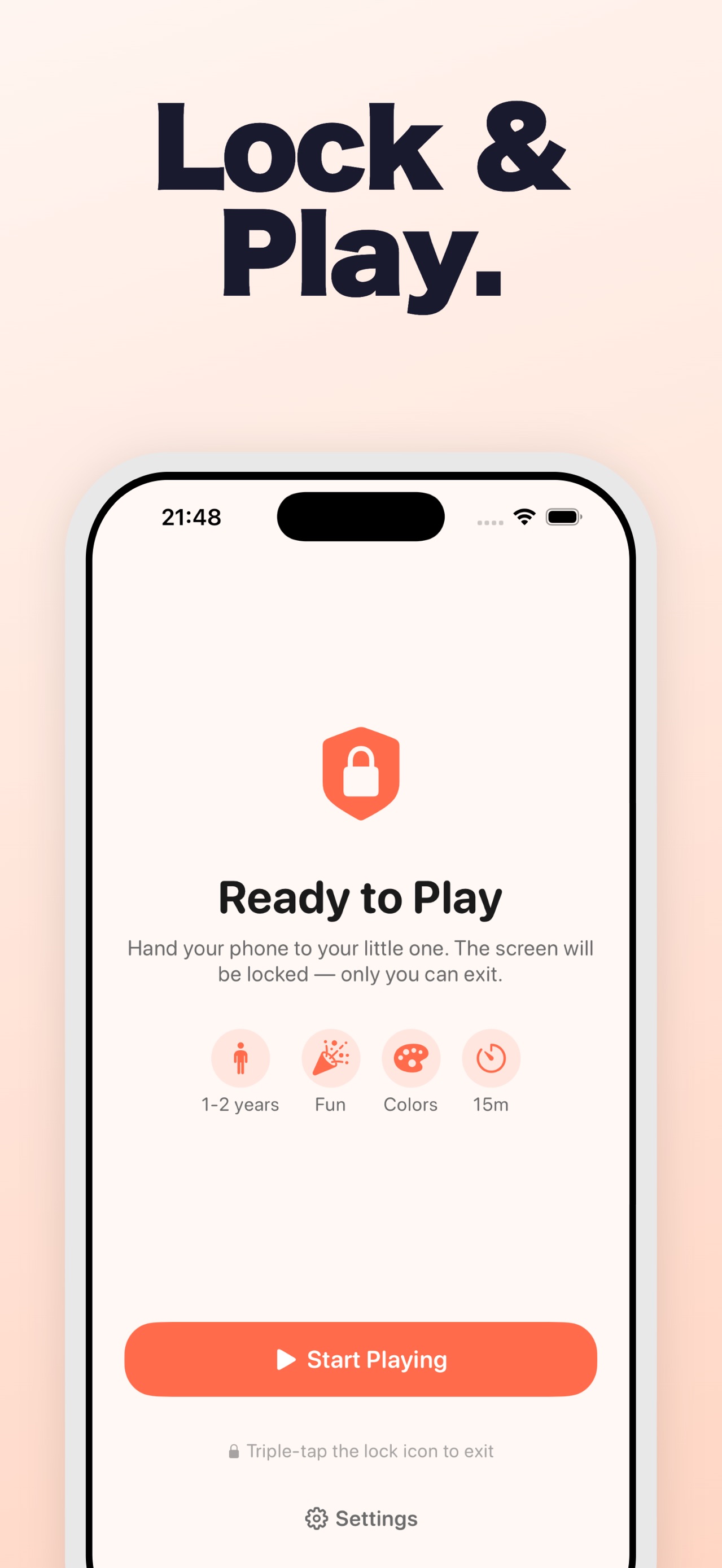
Age bands, play modes, learning focus, and a session timer help you set up the moment in front of you.
The in-app setup wizard explains how to block hardware buttons with Apple Guided Access.
How it works
01
Pick the age band, mode, learning focus, and session length.
02
Hand over the iPhone with a simple tap-to-play activity on screen.
03
The activity responds while the parent lock keeps other actions out of reach.
04
Use the parent unlock gesture, or follow the Guided Access setup for hardware-button protection.
Inside the app
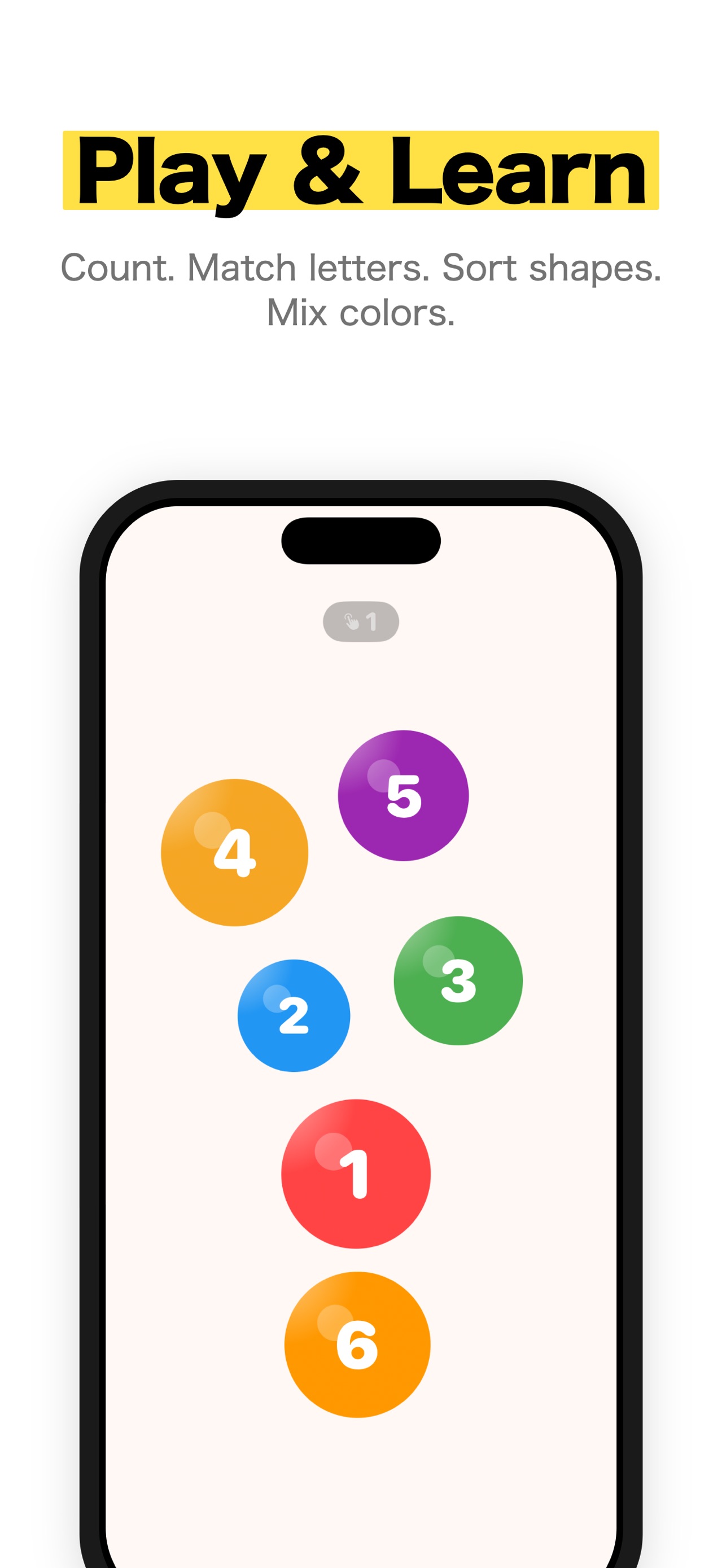
Keep exploring
Learn when to use Apple's Guided Access alone and when a toddler activity app adds a parent gate, session timer and calmer content.
Current AAP and Apple guidance for a safer, bounded iPhone session: choose the content, co-view, stop autoplay, and use Guided Access.
Toddler-proof your iPhone with 7 essential settings, from Guided Access to purchase locks, that stop little fingers from causing expensive chaos.
Related Pocket Grove apps
Kids Timer - Visual Countdown
Make routines and waiting easier to see.
Questions
It presents toddler-friendly interactive activities and keeps exit controls behind a parent lock while play is running.
No. It includes its own parent lock and a setup wizard for Apple Guided Access, which can add hardware-button protection.
The current App Store listing shows it as free to download. It also lists optional subscription and lifetime plans; current terms and prices appear in the app and store.
The listing says there are no ads, no tracking, and no internet required.
The current listing requires iOS 17.0 or later.
Ready when you are
Download Baby Screen Lock for toddler-friendly play with parent controls.