Baby Screen Lock: Kid Safe
Hand over the phone without handing over the phone.
Baby Screen Lock fills the screen with simple tap-to-play activities and locks everything else away, so a toddler cannot call anyone, open anything, or delete your photos. Free.
What it does
The lock is the point
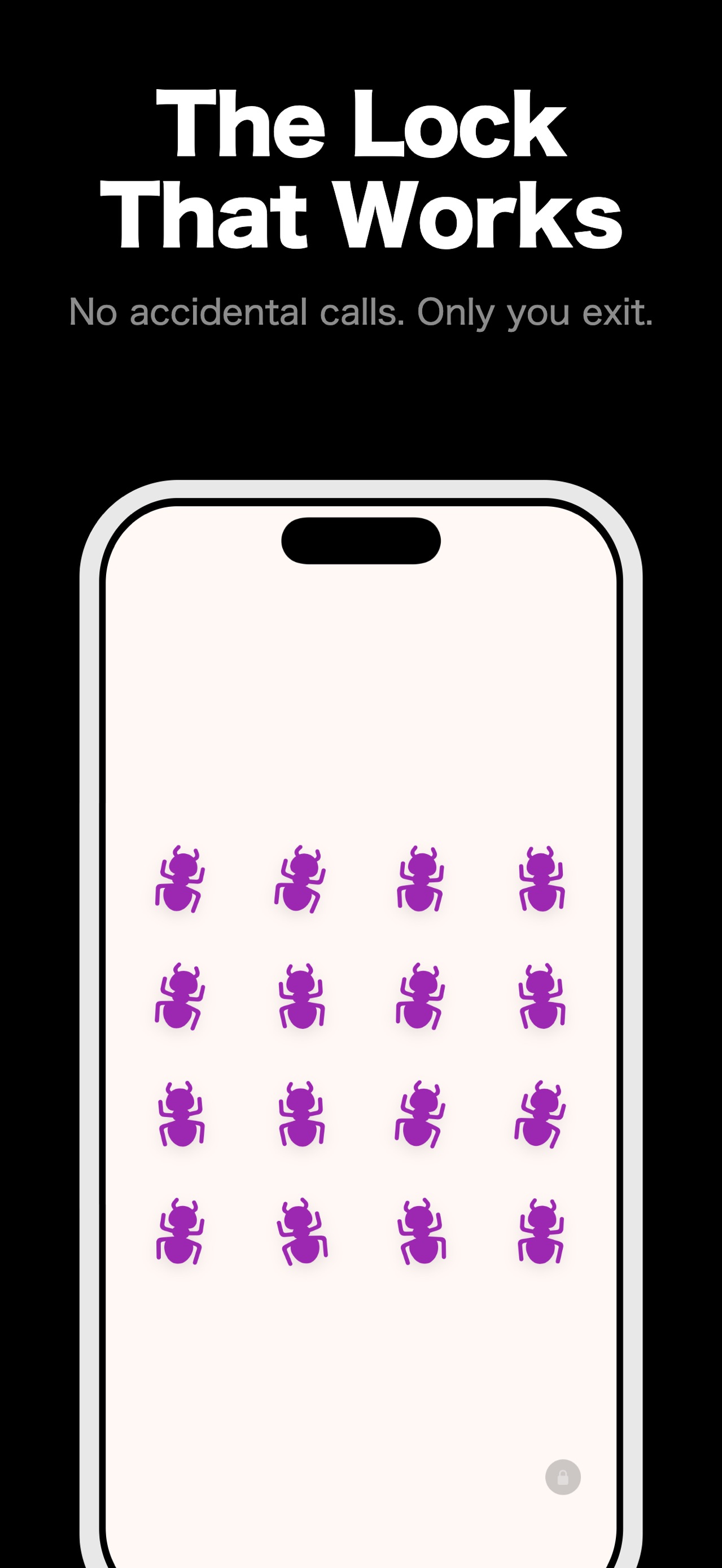
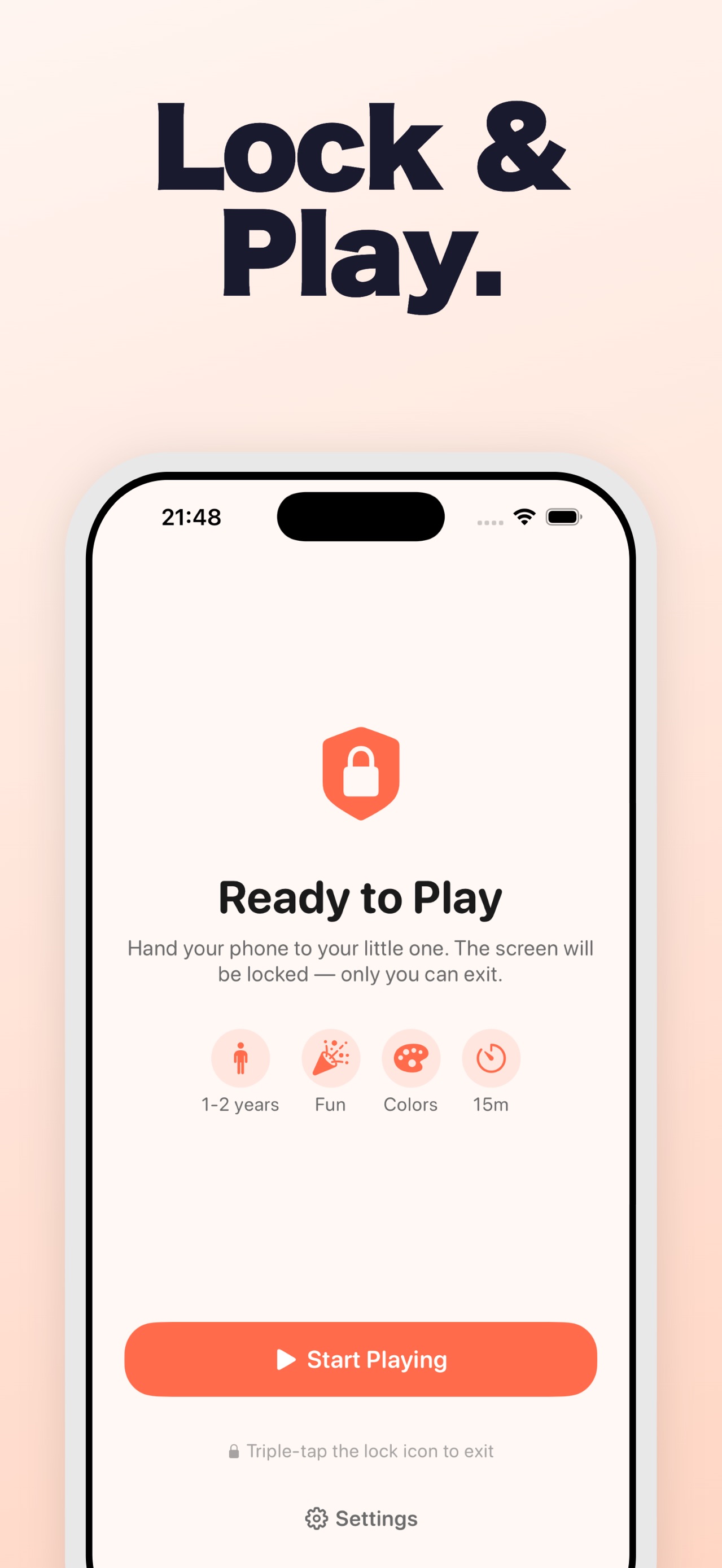
While play is running, taps only reach the activity. Exiting takes a deliberate triple-tap on the lock icon, which a toddler will not find by accident.
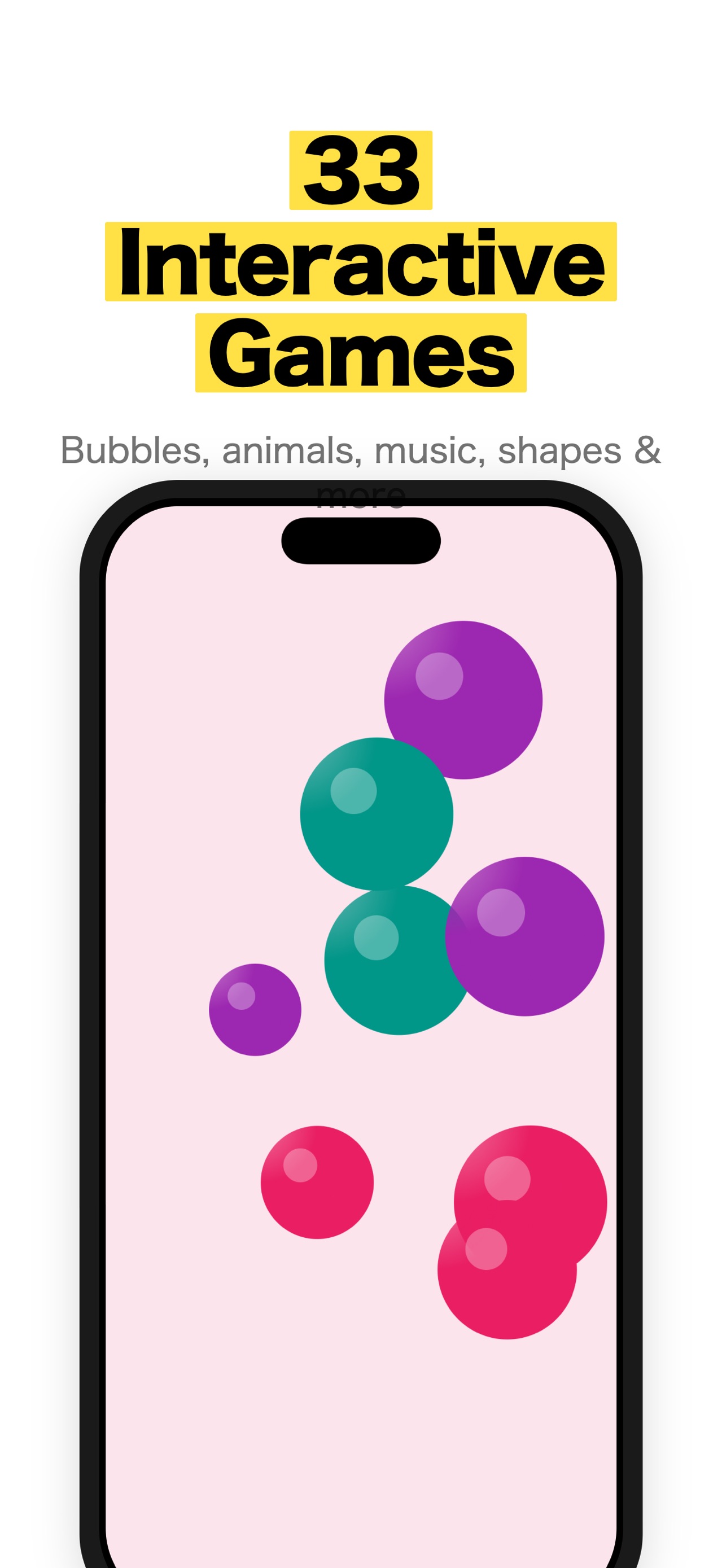
33 activities
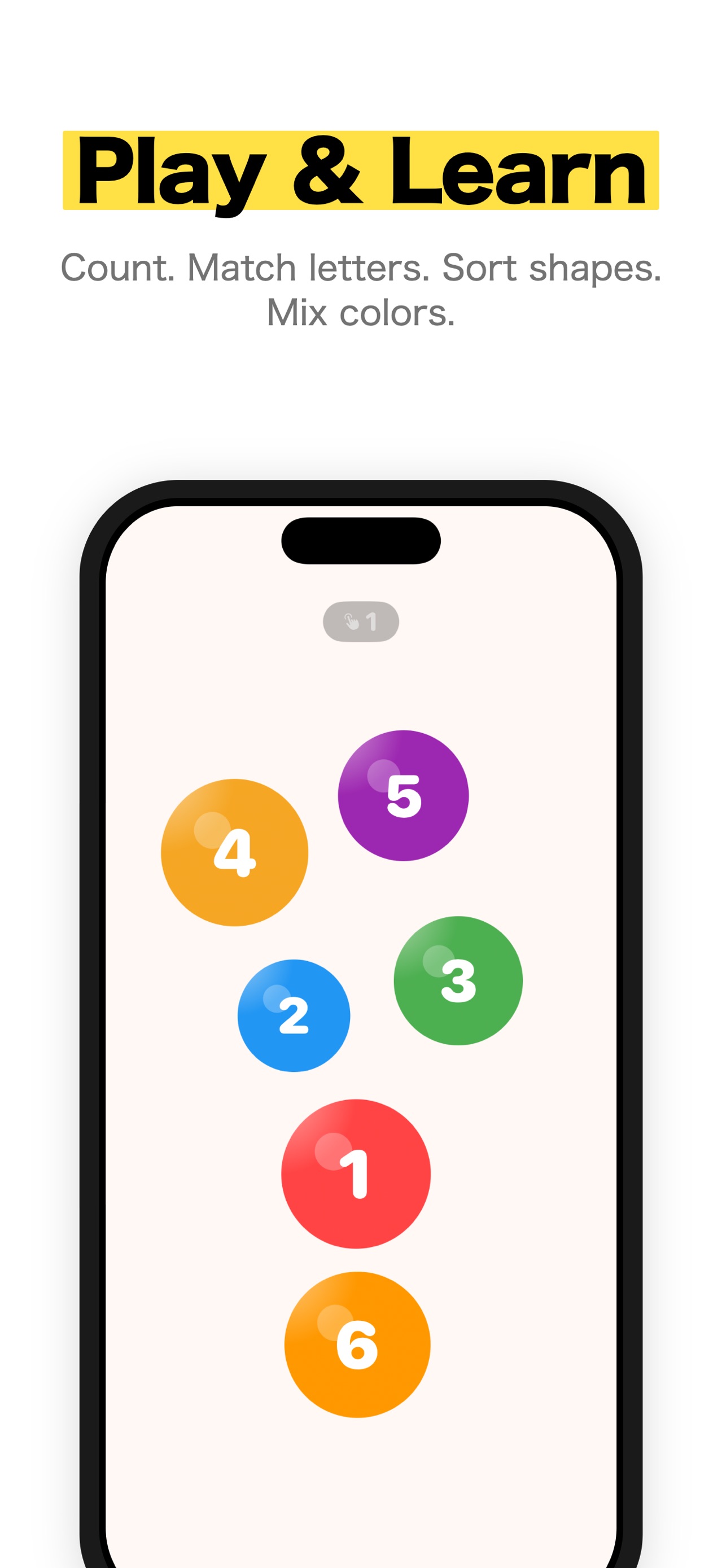
Bubbles, animals, shapes, drawing, fireworks, xylophone, balloons, kaleidoscope, drums, and more — all driven by tapping, with no menus to read.
Set to the child in front of you
An age band, a play mode, a learning focus, and a session timer, so the same app suits a one-year-old and a four-year-old differently.
Parents get the controls
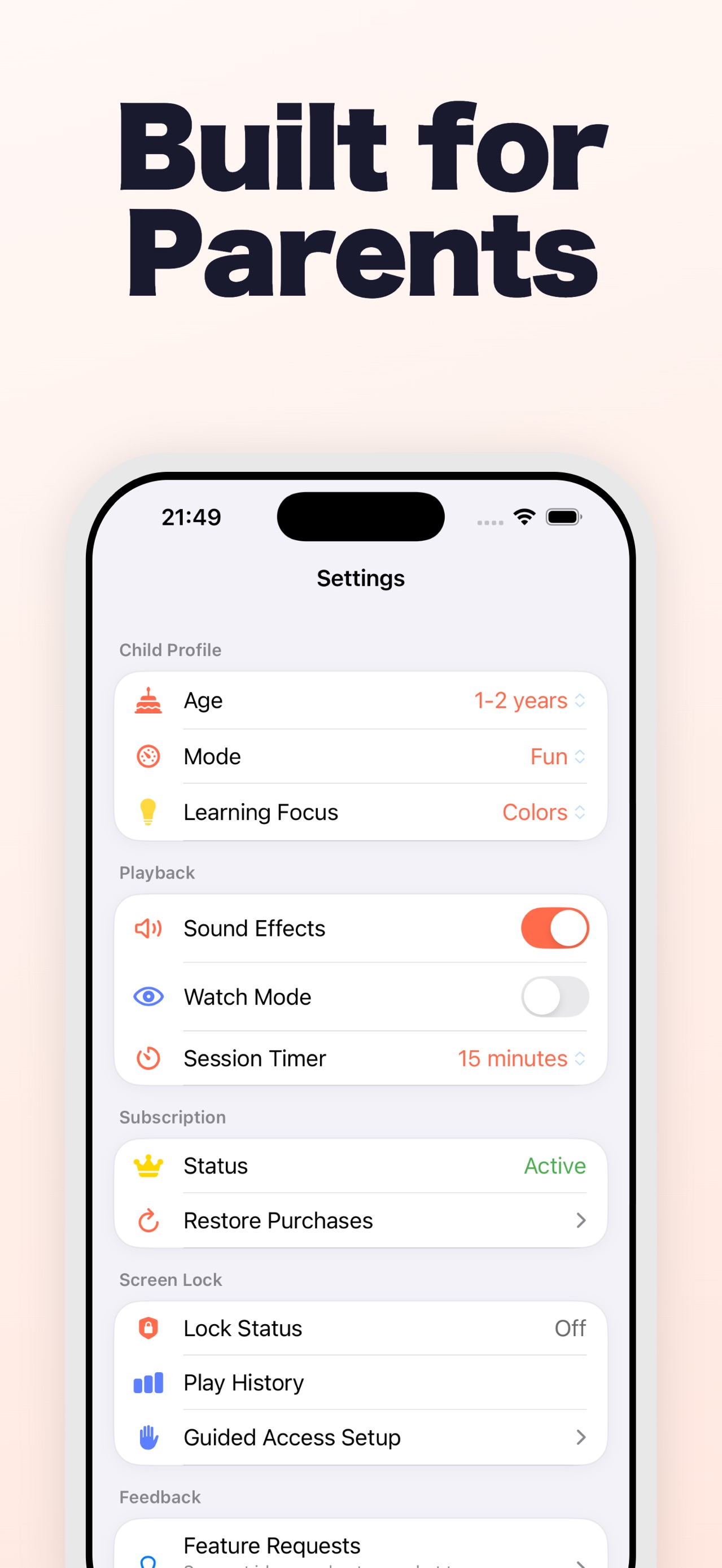
Sound effects, watch mode, session length, and play history all live behind the parent settings, alongside guided-access setup.
Guides
How to Lock an iPhone for a Toddler: Guided Access vs Apps
Learn when to use Apple's Guided Access alone and when a toddler activity app adds a parent gate, session timer and calmer content.
Baby Watching Videos on Your Phone? A Safer iPhone Setup
Current AAP and Apple guidance for a safer, bounded iPhone session: choose the content, co-view, stop autoplay, and use Guided Access.
Toddler-Proof Your iPhone: 7 Settings Every Parent Should Know
Toddler-proof your iPhone with 7 essential settings, from Guided Access to purchase locks, that stop little fingers from causing expensive chaos.
Focused guide
Learn more about toddler-proof iPhone screen lock.
See the core loop, screenshots, and answers to common questions on the dedicated search guide for Baby Screen Lock: Kid Safe.
Read the toddler-proof iPhone screen lock guideFrom the App Store listing
Baby Screen Lock keeps your little one entertained with age-appropriate interactive activities while locking the screen so they can't accidentally call your boss or delete your photos.
33 interactive games
- Tap animals that bounce and wiggle
- Pop colorful floating bubbles
- Play calming geometric shapes
- Color simple pictures with big buttons
- Launch fireworks with every tap
- Paint with rainbow light trails
- Play peek-a-boo with hidden animals
- Tap xylophone bars for musical notes
- Pop rising balloons with confetti
- Grow a garden by planting flowers
- Watch mesmerising kaleidoscope patterns
- Beat on colorful drum pads
- Shake a magical snow globe
- Explore a galaxy of stars
- Pretend phone with realistic dialer
- Split objects that multiply on tap
- Spawn letters that float away
- Remove animals from a grid one by one
- Drop objects that fall with gravity
- Count shooting stars across the sky
- Pop numbered bubbles in order
- Tap targets before they disappear
- Follow alphabet letters on a train
- Match letters to their pairs
- Sort shapes into the right slots
- Mix colors to discover new ones
- Whack moles that pop up from holes
- Flip cards to find matching pairs
- Connect numbered dots in sequence
- Play piano keys with realistic sound
- Pop letter bubbles alphabetically
- Paint rainbows across the screen
- Ride a number train counting along
Screen lock that actually works
Hand your phone to your child with confidence. The built-in parent lock hides all exit controls — only you can unlock with a secret gesture and math problem. For extra protection, follow the in-app Guided Access setup wizard to block hardware buttons too.
Age-appropriate content
Content adapts to your child's developmental stage:
- Under 1: High-contrast black & white with emerging vivid colors
- 1-2 years: Full vivid colors, simple interactions
- 2-3 years: More detail, patterns, and variety
- 3+ years: Full palette including pastels and complex activities
3 play modes
- Infant: Gentle, quiet play with soft haptics
- Medium: Balanced engagement for everyday
- Fun: Lively and playful with strong feedback
Parent features
- Session Timer: Set a 5-30 minute limit with gentle wind-down animation
- Watch Mode: Auto-plays games without tappingperfect for calm-down time
- Play History: Track session duration, games played, and tap counts
- Sound Effects: Musical notes, pops, sparklesrespects silent switch
- Parental Gate: Math problem keeps toddlers in, lets parents out
Designed for parents
Built by a parent who was tired of apps that claim to lock the screen but don't actually work. Perfect for restaurants, car rides, waiting rooms, or anytime you need a few minutes of peace.
Privacy first
No data collection. No tracking. No ads. No internet required. Designed to meet App Store Kids category and COPPA guidelines.
Subscription
Auto-renewable subscription. Renews unless cancelled 24h before period ends. Manage in Apple ID Settings.
Details
- Price
- Free
- Category
- Games
- Requires
- iOS 17.0 or later
- Age rating
- 4+
- Version
- 1.6
- Size
- 14 MB
- Updated
- 15 July 2026
Ready to try it?
Keep Baby Screen Lock: Kid Safe close at hand.
Open the store page to see the latest version, screenshots, and availability for your device.
More from Pocket Grove

Questions about Baby Screen Lock: Kid Safe? Get support or read the privacy policy.
All apps →