CardKeeper: Wallet Pass Maker
CardKeeper is the privacy-first way to create and manage Apple Wallet passes.
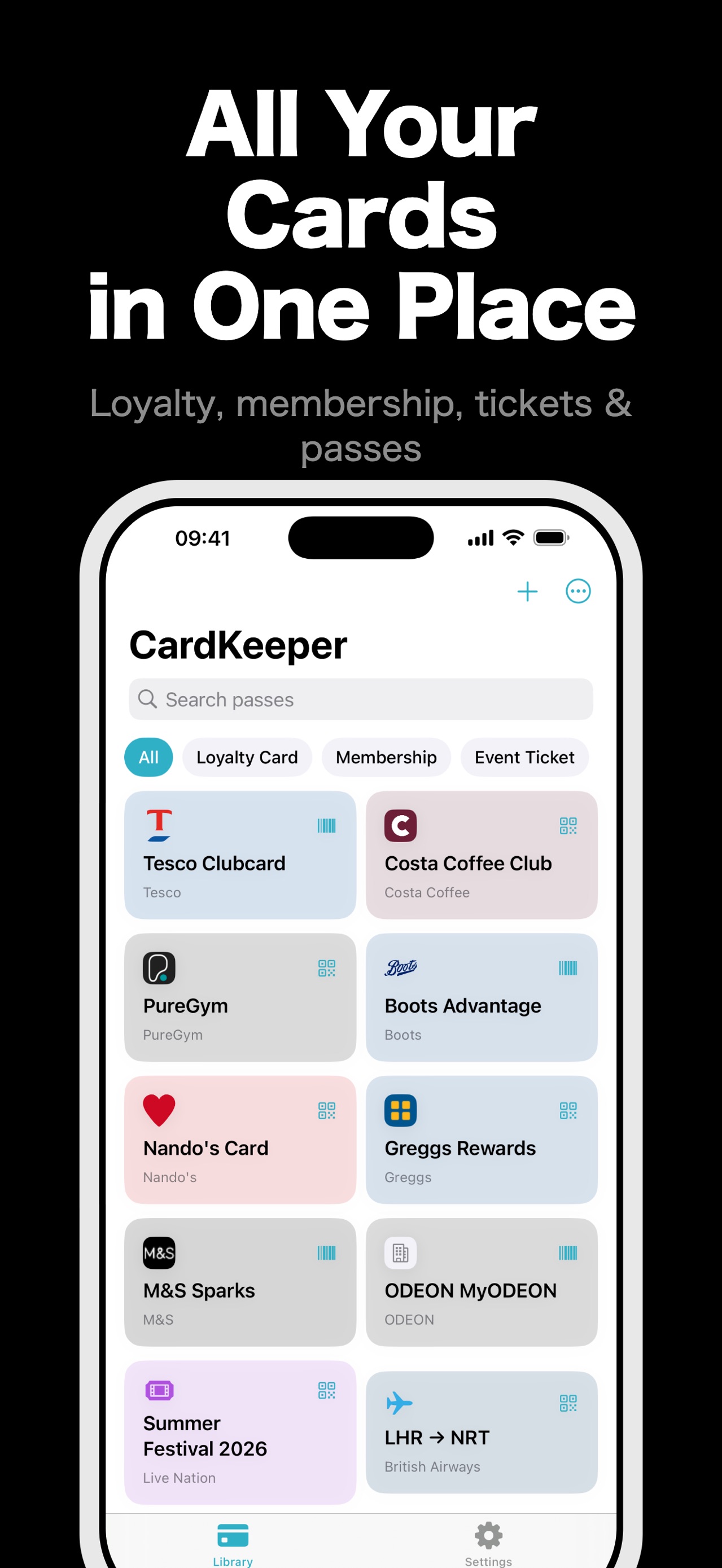
Digitise your loyalty cards, membership cards, event tickets, coupons, and boarding passes — all stored on your device, never tracked.
About this app
How it works
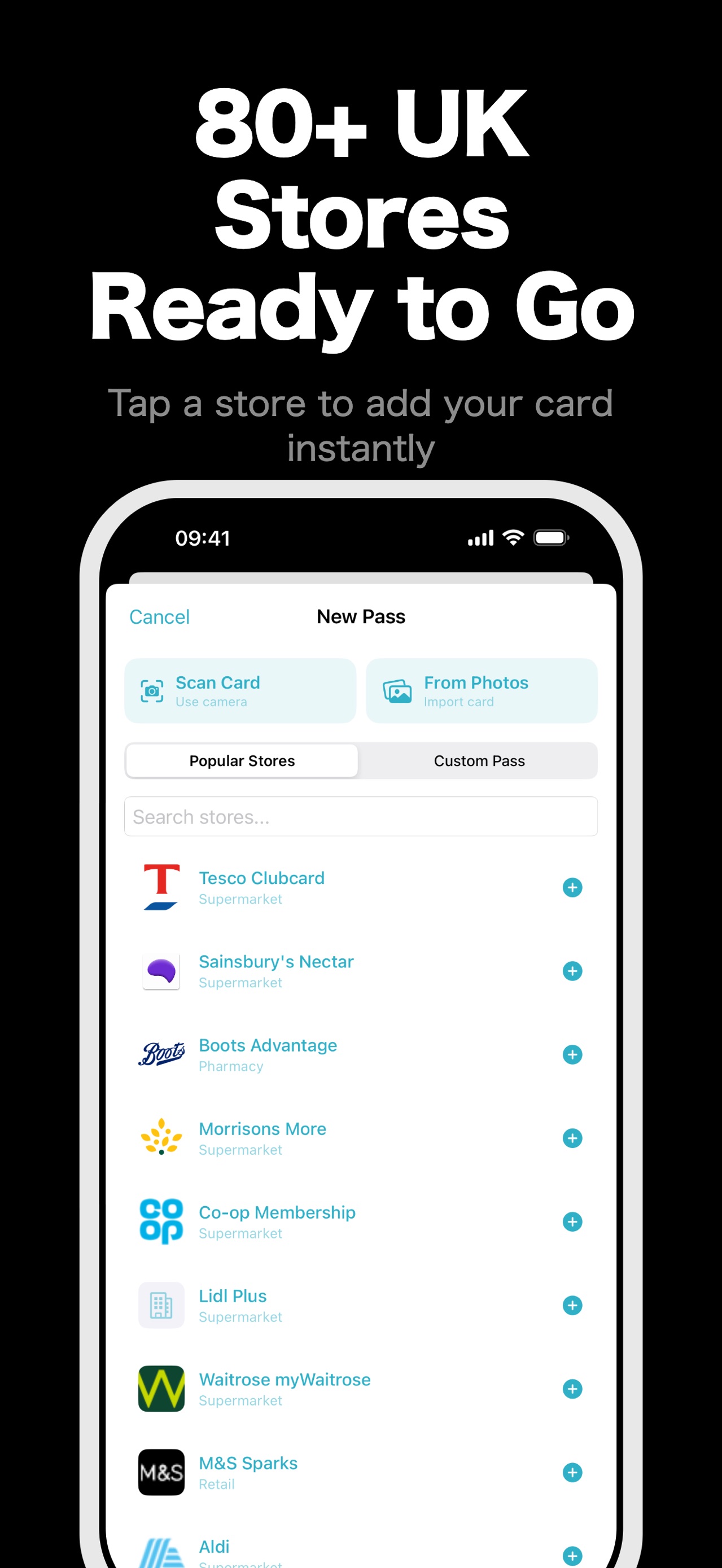
1. Choose a template (loyalty, membership, event, coupon, boarding, or custom) 2. Scan a barcode or enter details manually 3. Customise colours, text, and logo 4. Add to Apple Wallet with one tap
WHY CARDKEEPER?
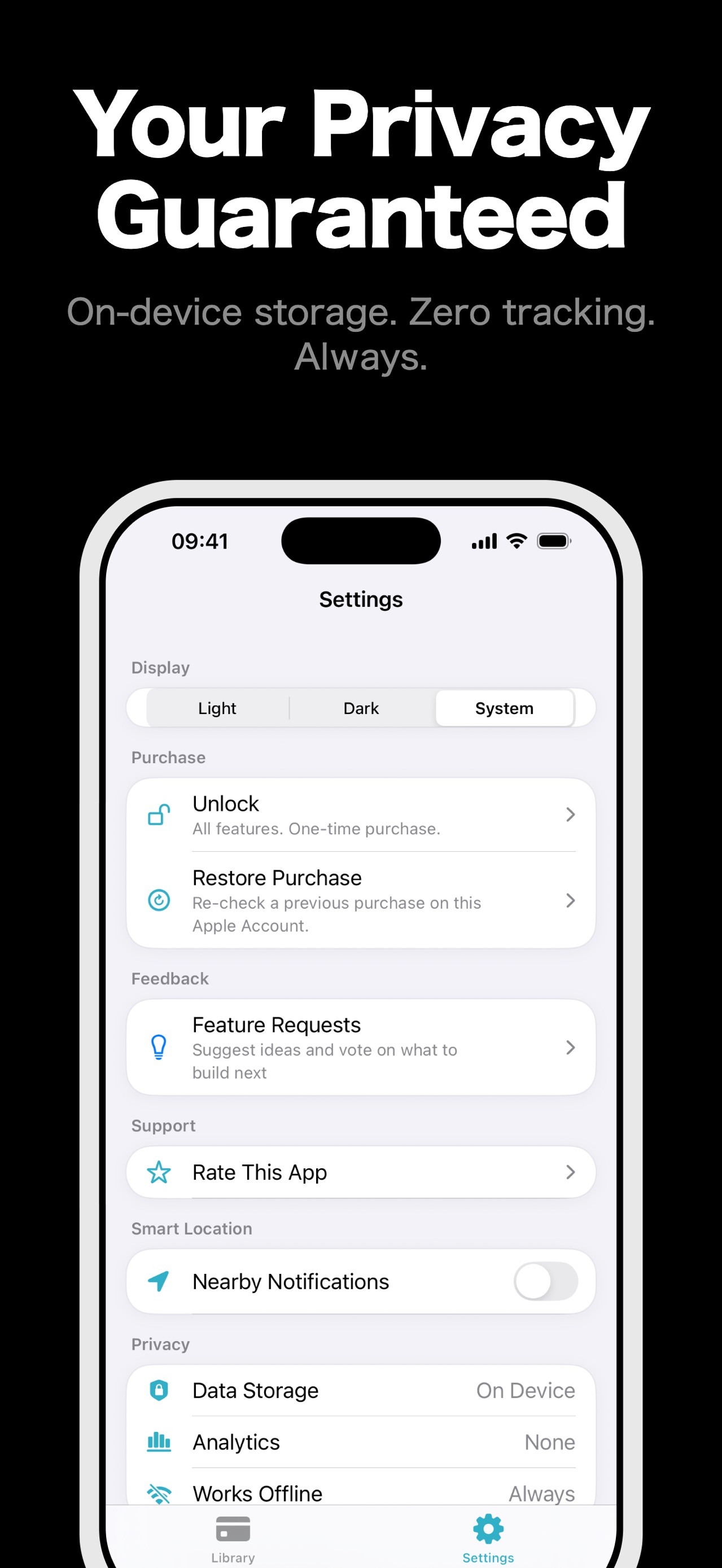
Your Data Stays Yours No analytics. No tracking. No browsing history collection. Everything stays on your device with optional iCloud backup. Our privacy label says "Data Not Linked to You" — and we mean it.
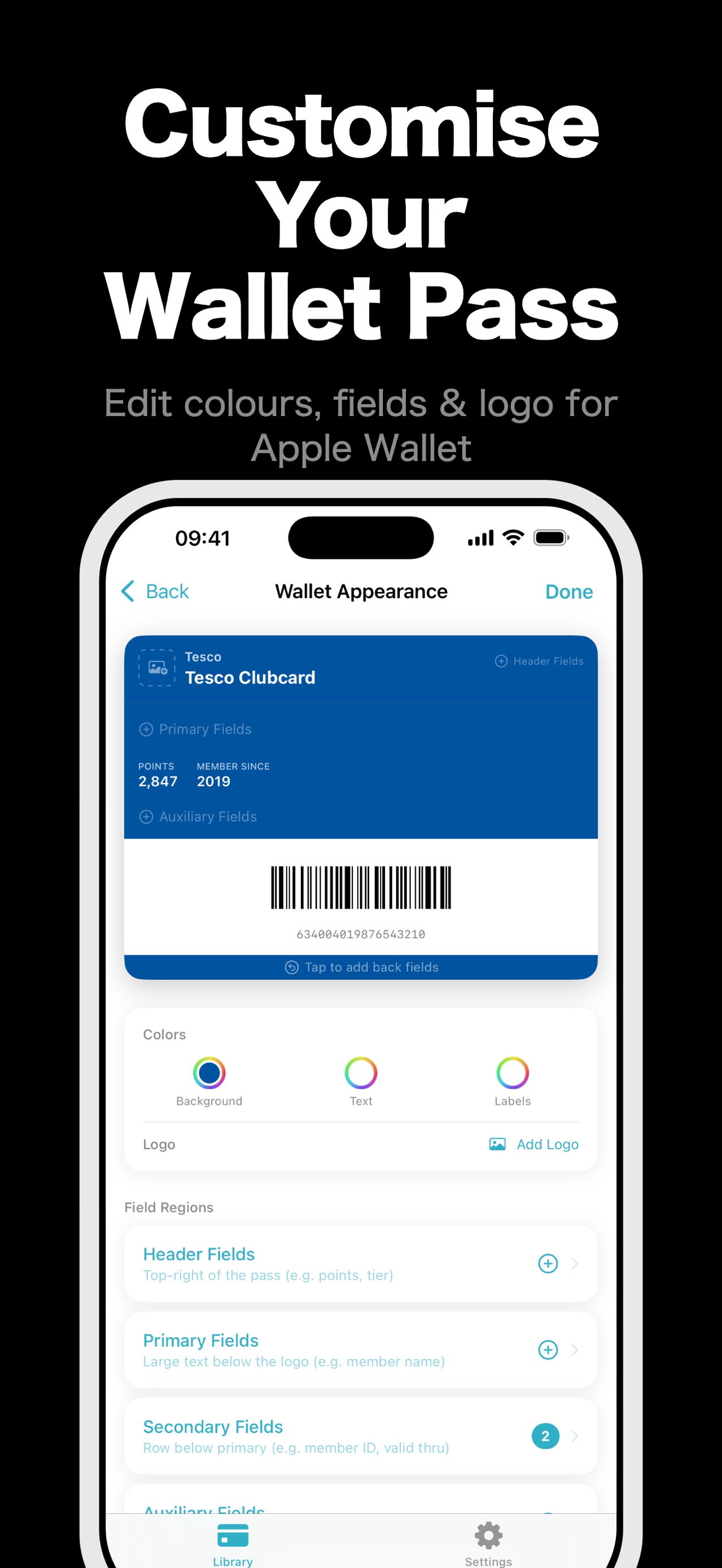
Edit Anytime Unlike other pass apps, CardKeeper lets you edit your passes after creation. Change a field, update a colour, swap a logo — your changes sync to Apple Wallet instantly.
One Price, No Subscriptions Pay once, unlock forever. No confusing subscription tiers, no recurring charges. The free version covers everything you need for basic pass creation.
Features (free)
- Create passes from 6 template types
- Scan barcodes and QR codes with your camera
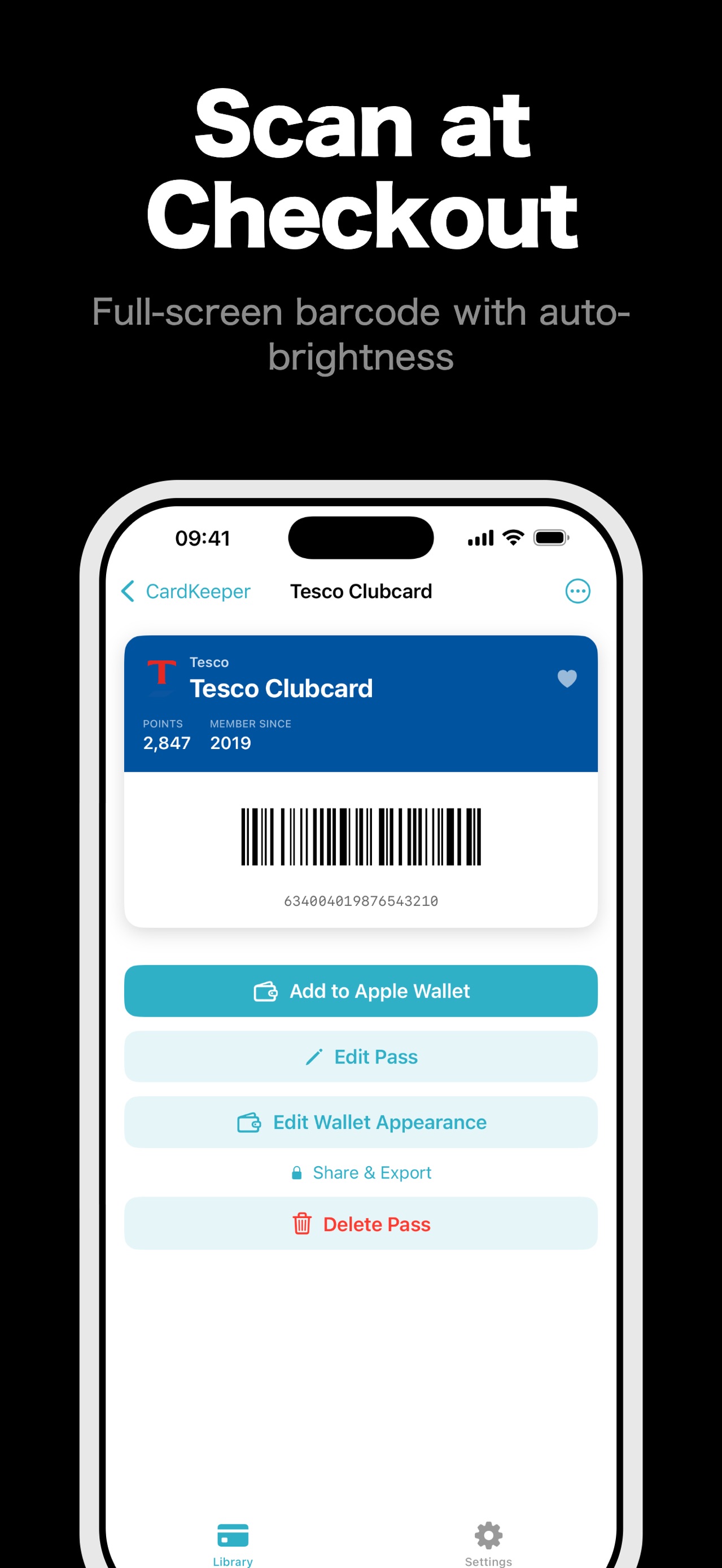
- Edit passes anytime with live preview
- Customise colours, text, logos, and fields
- Export directly to Apple Wallet
- Unlimited pass storage
- iCloud backup and restore
- Search and organise by category
Pro features (one-time purchase)
- Remove ads
- Home screen widget with your most-used pass
- Batch import cards from your photo library
- Save and reuse custom templates
- Share passes with friends and family
- Export passes as images
Supported barcodes
QR Code, Code 128, Aztec, PDF417
CardKeeper supports loyalty cards, store cards, membership cards, gift cards, event tickets, concert tickets, boarding passes, transit passes, coupons, and more.
Details
- Price
- Free
- Category
- Utilities
- Requires
- iOS 18.0 or later
- Age rating
- 4+
- Version
- 1.1
- Size
- 5 MB
- Updated
- 19 July 2026
Ready to try it?
Keep CardKeeper: Wallet Pass Maker close at hand.
Open the store page to see the latest version, screenshots, and availability for your device.
More from Pocket Grove



Questions about CardKeeper: Wallet Pass Maker? Get support or read the privacy policy.
All apps →