Organise Saved Links So You Can Find and Use Them Again
Published · 7 min read
By Cong Le · Pocket Grove
Original research brief: . Sources reviewed: .
Save links with enough context to use them later
Quick answer: Save each link with a reason to return, put it in one useful folder, and add only tags you will actually search for. Keep unread material separate from references you have already found useful. Review a few links regularly, and export a copy of the collection before reorganising it heavily.
Saving a link takes a moment. Remembering why it mattered three weeks later is harder. A collection can grow into hundreds of promising titles while offering very little help when you need the recipe, explanation or comparison you originally found.
The aim is to leave enough context for your future self. A short note such as “instructions for cleaning the removable filter” is often worth more than a perfectly arranged hierarchy of folders.
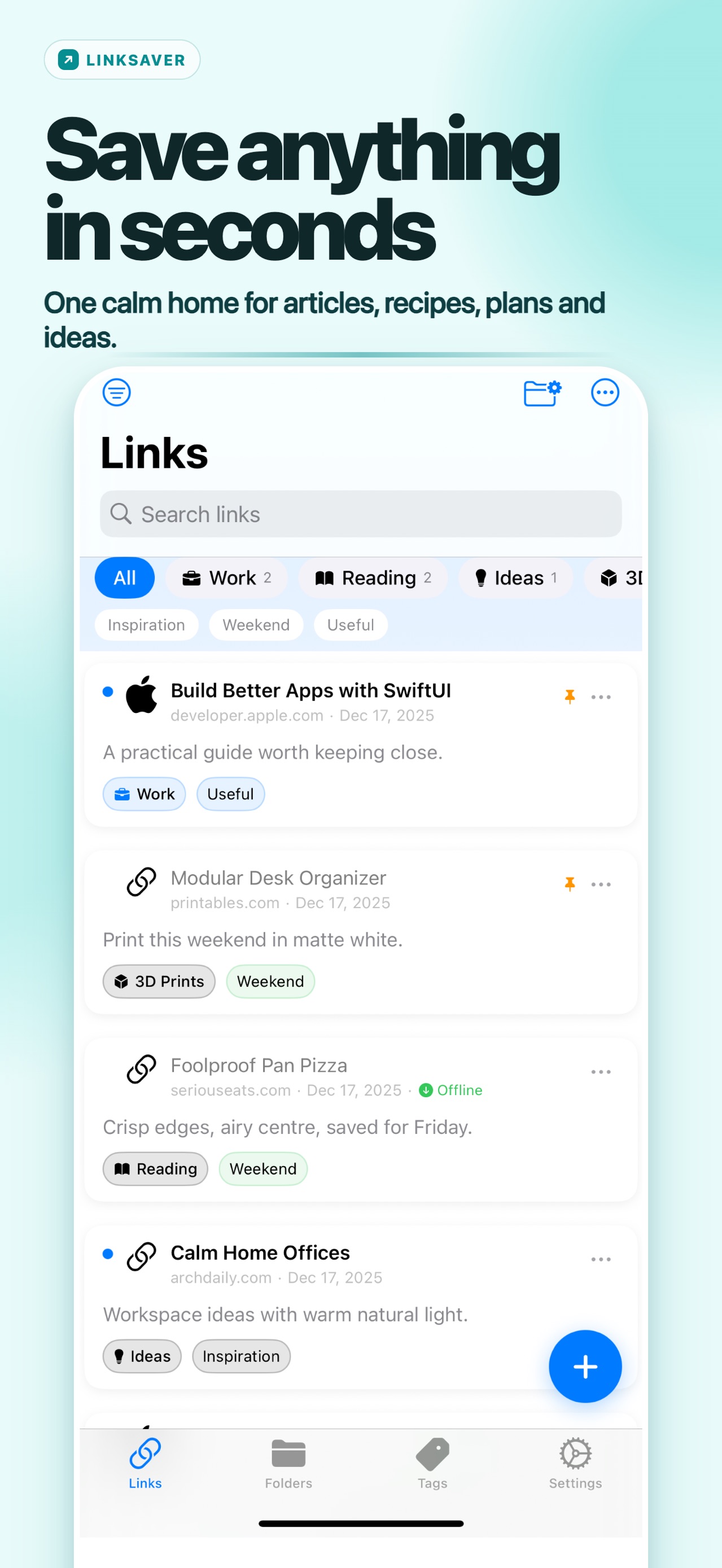
Store screenshot from the Apple listing, reviewed 25 September 2026. It shows a “Modular Desk Organizer” link being saved from another app into the 3D Prints folder. It is not a live test of your browser, URL or library.
Choose what you are saving for
Most links have one of three jobs:
| Job | Example | What makes it useful later |
|---|---|---|
| Read or watch once | An interview recommended by a friend | A manageable unread queue |
| Help with a current project | Measurements for a shelf you are building | A project folder and a specific reason |
| Remain a reference | The manufacturer's care instructions | A recognisable title and reliable source |
You can begin with those three groups. Make a new project folder when you have an actual project, then close it when the work is complete. Avoid creating a folder for every interest you might someday pursue.
For occasional reading, Safari's Reading List may be enough. Apple documents adding the current page through the sharing menu and an Automatically Save Offline option in Safari settings. See its Reading List guide. A separate link library becomes useful when you want context and organisation across several kinds of source.
Spend a few seconds on the saved record
Before saving, check the actual URL. A link to a search-results page, the front page of a site or the wrong video can look plausible in a list and fail when you return.
Then give yourself three clues: a title you recognise, the reason for saving, and the place you expect to look for it. You do not need a summary of the whole article. Write the missing context:
- “Compare with the model we already own.”
- “Useful diagram halfway down the page.”
- “Watch before buying the replacement part.”
- “Author explains the exception to the rule.”
Those are example notes, not claims about particular webpages. Their value is that they name the next use. “Interesting” postpones the decision without preserving it.
A 60-second save you can repeat
When a link looks useful, complete these fields before moving on:
- Title: keep the page's useful subject, not just the site's name.
- Note: write the question the link answers, such as “check depth against doorway.”
- Folder: choose one current project or
Reference; do not create a new folder for a one-off thought. - Tag: add one searchable distinction, such as
demonstrationorbuy-later, only if you will use it again. - Retrieval test: imagine the words you would remember next month and make sure the title or note contains them.
This is an editorial workflow, not a promise that an app can recover a changed, deleted or login-only webpage. LinkSaver's public listing reviewed on 25 September 2026 supports notes, folders, tags, title/domain search, read status, archive and HTML/JSON export; the page itself remains at the destination URL.
A three-link retrieval exercise
Try the method with three deliberately different records:
| Title | Folder | Note | Tag |
|---|---|---|---|
| Filter cleaning instructions | Home reference | “Check how to remove the washable filter.” | instructions |
| Desk depth comparison | Workspace project | “Compare with the doorway measurement before buying.” | buy-later |
| Hinge adjustment demonstration | Workspace project | “Watch the adjustment shown halfway through.” | demonstration |
After saving them, search for filter, doorway and demonstration separately. Each search should point to one useful next action. If two links compete for the same words, improve their notes before creating another folder. These three records are invented examples; they demonstrate the retrieval test rather than documenting an existing collection.
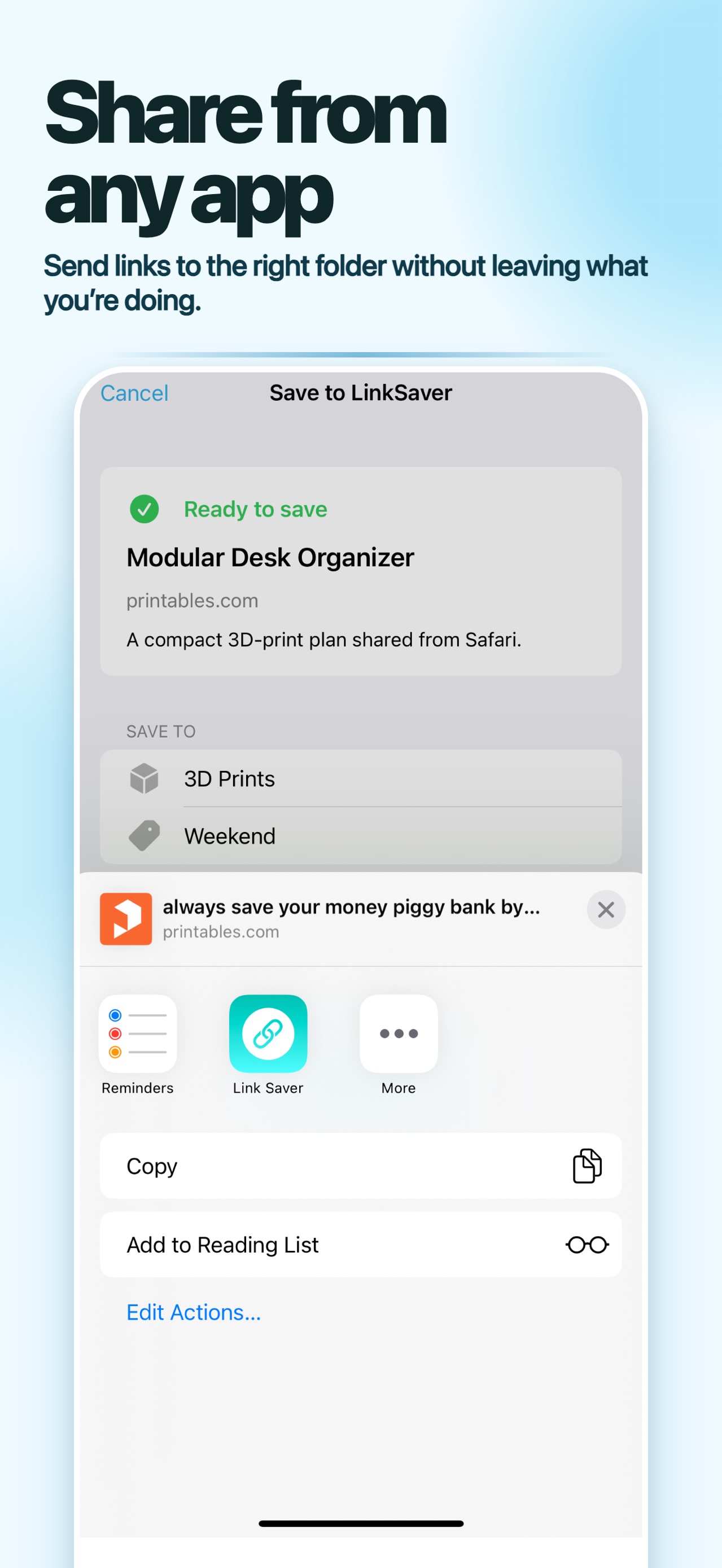
A second listing image shows a link list with “Builder Apps with SwiftUI” and “Modular Desk Organizer”, plus a paste control labelled “Paste only when you choose”. It documents the advertised retrieval and clipboard boundary; it does not prove that every app supplies a complete title or URL.
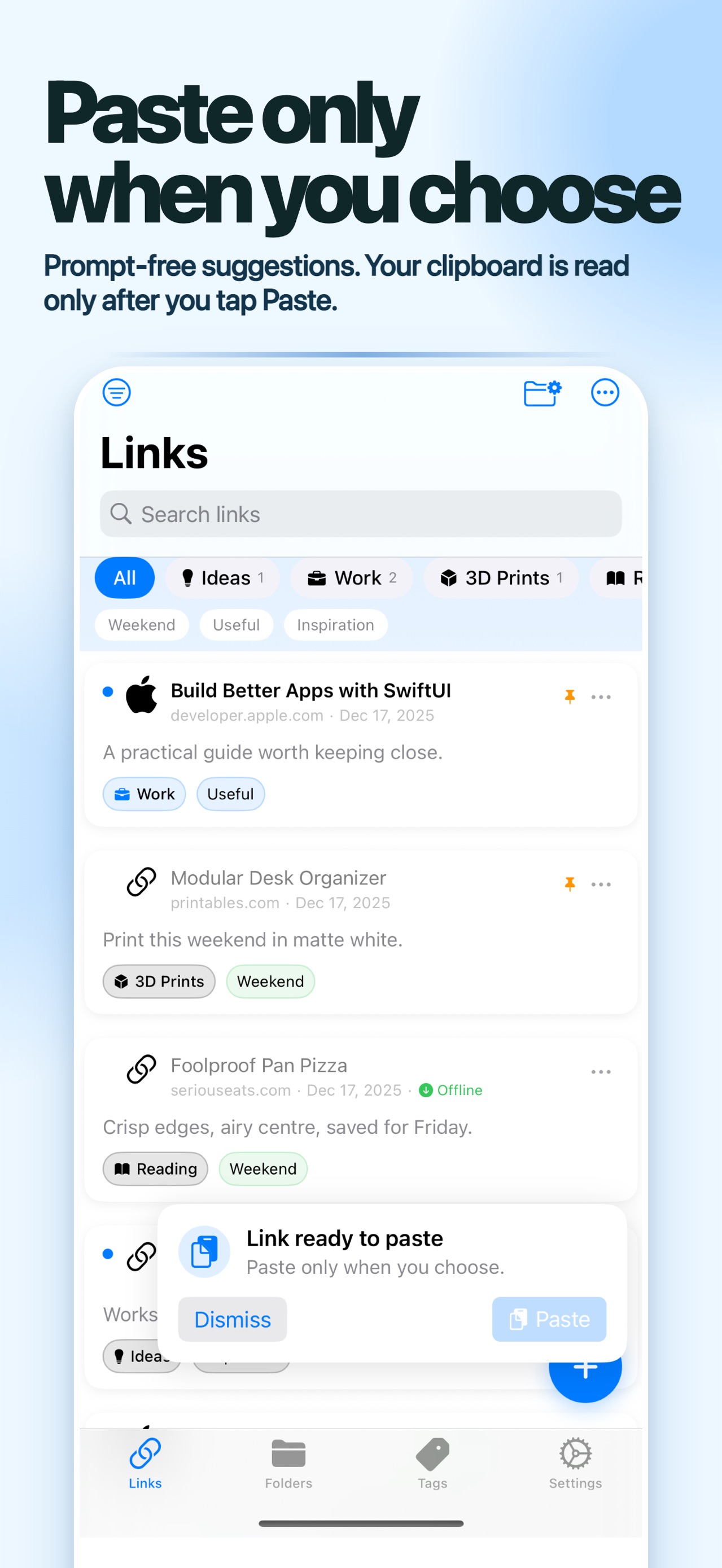
A third listing image shows an “Organize Unsorted” view with two unsorted links and folders such as Work, 3D Prints and Ideas. Use a small vocabulary that matches your own retrieval needs; these labels are artwork examples, not a required taxonomy.
Let folders and tags do different work
Use a folder to answer “where does this belong?” Use a tag to answer a question that crosses folders, such as “which links have a video demonstration?” One project can contain several formats, and one format can be useful across several projects.
Keep the vocabulary small. If recipe, recipes and cooking all mean the same thing to you, choose one. Add a tag after noticing a repeated retrieval need, rather than inventing ten tags at the moment of saving.
This is a suggested organising method. It does not depend on an app automatically understanding your intent.
A worked example: planning a small workspace
Imagine you are choosing a desk, a lamp and a shelf. You save product pages, a room-measurement guide and a video showing how a hinge works.
Put them in a Workspace folder. Give product links notes containing the question they answer: “check depth against doorway” or “compare shade position.” Tag only the hinge video demonstration if that will help you find it again. Keep a separate note with your final decisions; bookmarks alone do not record which option you chose.
When the room is finished, archive the comparisons. Keep instructions for the items you bought in your reference collection. Delete an obsolete sale page when it no longer serves a purpose. The project then leaves behind a useful record instead of a permanent shopping queue.
Where LinkSaver fits
LinkSaver lets you review a link's title, notes, folder and tags before saving through the Share Sheet. Its public App Store listing describes title and domain search, source filters, read/unread status, archiving and bulk actions. These are useful pieces for the workflow above; your choices give them meaning.
The listing also describes browser-readable bookmarks HTML exports and a LinkSaver JSON backup with restore support. Use HTML when you want a portable list of links and the app's backup format when you need its restore workflow. Do not assume every other bookmark application will preserve every field identically.
Saving a URL is also different from saving the page's content. The destination can change, require a login or disappear. For something you must read without a connection, check the offline feature you plan to use before leaving coverage.
Review for usefulness, not completion
Open five saved links at a time. Read one, move one to a current project, and remove anything whose purpose has expired. There is no obligation to finish every article you once thought interesting.
Before a large cleanup, export a dated copy and put it somewhere you can find. Then try retrieving a few useful links by the words you would naturally remember. If that fails, improve their titles or notes. That small retrieval exercise tells you more about your system than the number of folders it contains.
The app behind this guide
Link Saver: Bookmark Manager
LinkSaver keeps the URL, title, note, folder and tags together so a saved idea can become useful again.
Related guides
How to Use a Lye Calculator: Superfat, Water and SAP Values
Use a soap lye calculator step by step: choose NaOH or KOH, enter oils and purity, understand superfat and water settings, then check the result safely.
Which Documents to Keep on Your Phone, and Which Never To
A copy of your passport is useful when it's lost. A photo of your bank card is a liability. How to decide which side of that line a document sits on.
Packing for a Group Without Three People Bringing the Same Thing
A practical group-packing system: separate personal and shared items, record quantities, assign one owner, and confirm what is packed before departure.