Apps
Pocket Passport Studio
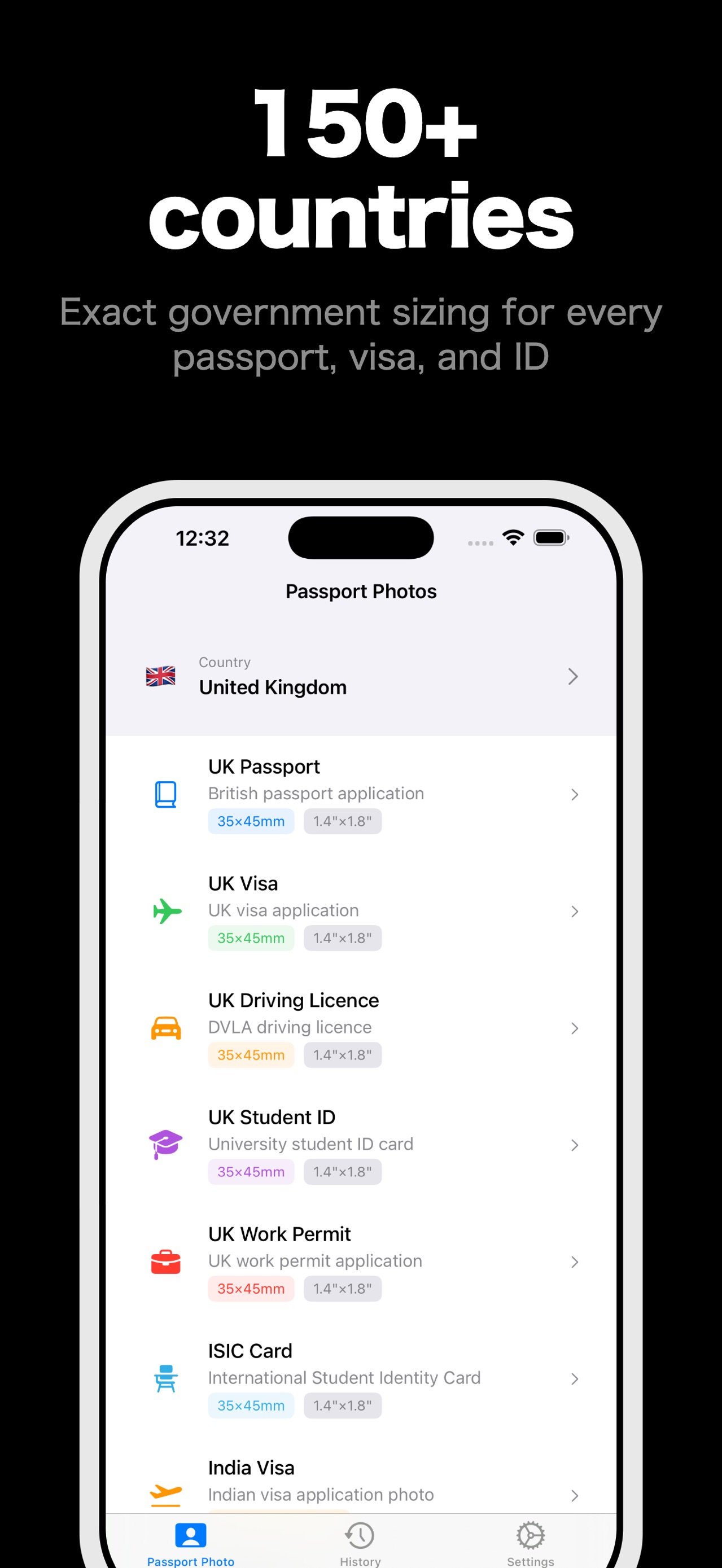
Create perfect passport photos, visa photos, and ID photos that meet official government standards — all processed on your device, never uploaded to the cloud.
Guides
About this app
Supported documents
- Passports for 150+ countries (US, UK, Canada, Australia, India, and more)
- Visa photos (Schengen, US, UK, India)
- Driving license / driver's license photos
- Student ID, work permit, BRP, national insurance cards
- Green card and immigration documents
- 30+ document types with exact size specifications
Professional quality
- AI-powered background removal using Apple Vision
- Automatic face detection and alignment guides
- 300-600 DPI output for professional printing
- Multiple background colors: white, light blue, gray, custom
- Brush and eraser tools for precise background refinement
Print at home
- Print-ready layouts: 2, 4, 6, 8, or 16 photos per page
- Paper sizes: 4x6, A4, Letter, and custom
- AirPrint directly to your wireless printer
- Export as JPEG, PNG, HEIF, or PDF
Privacy first
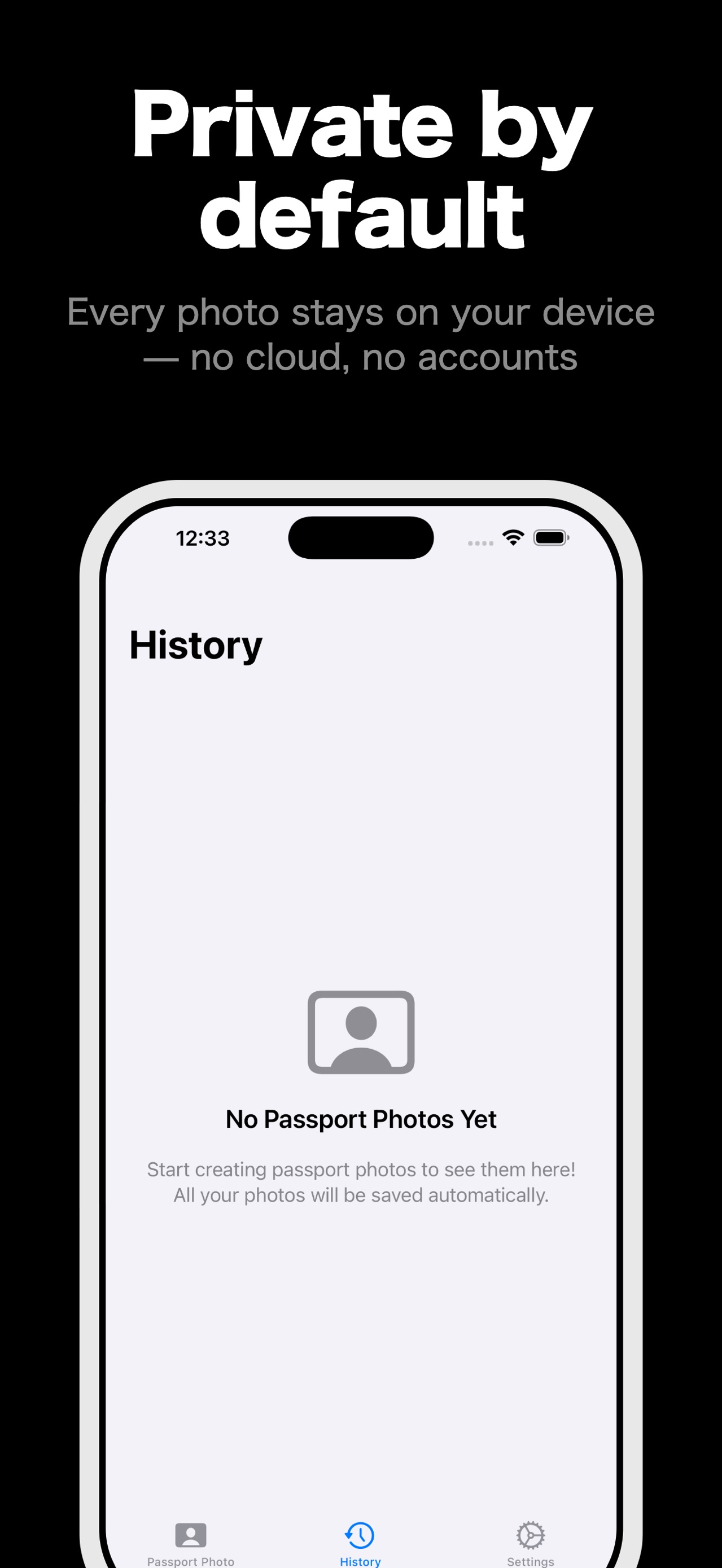
- 100% on-device processingyour photos never leave your phone
- No internet connection required
- No cloud uploads, no tracking, no accounts
- Works completely offline
Additional features
- Photo history with metadata
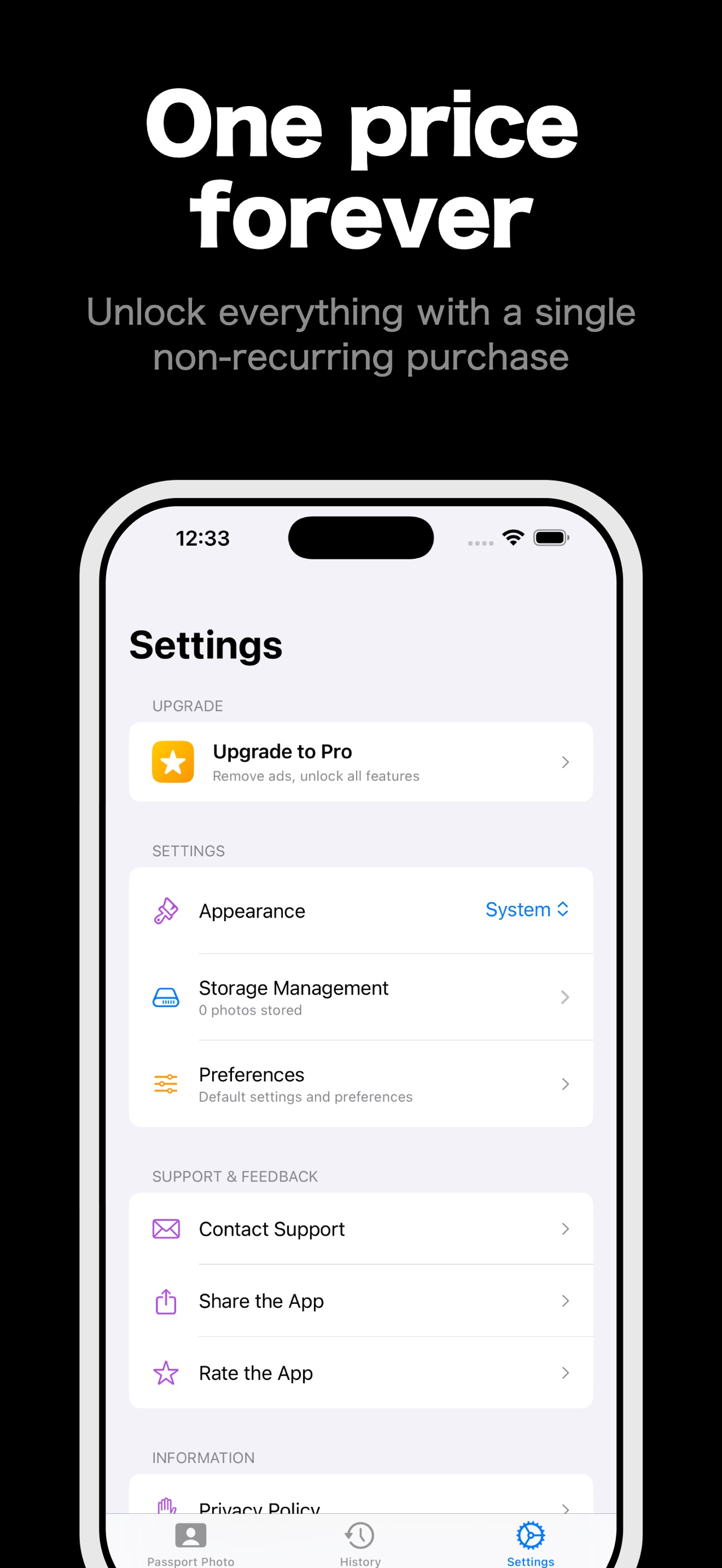
- Storage management and cleanup
- Customizable default settings per country
- Universal document type for custom sizes
Details
- Price
- Free
- Category
- Photo & Video
- Requires
- iOS 18.1 or later
- Age rating
- 4+
- Version
- 1.0
- Size
- 8 MB
- Updated
- 1 October 2026
Ready to try it?
Keep Pocket Passport Studio close at hand.
Open the store page to see the latest version, screenshots, and availability for your device.
More from Pocket Grove


Questions about Pocket Passport Studio? Get support or read the privacy policy.
All apps →