
About this app
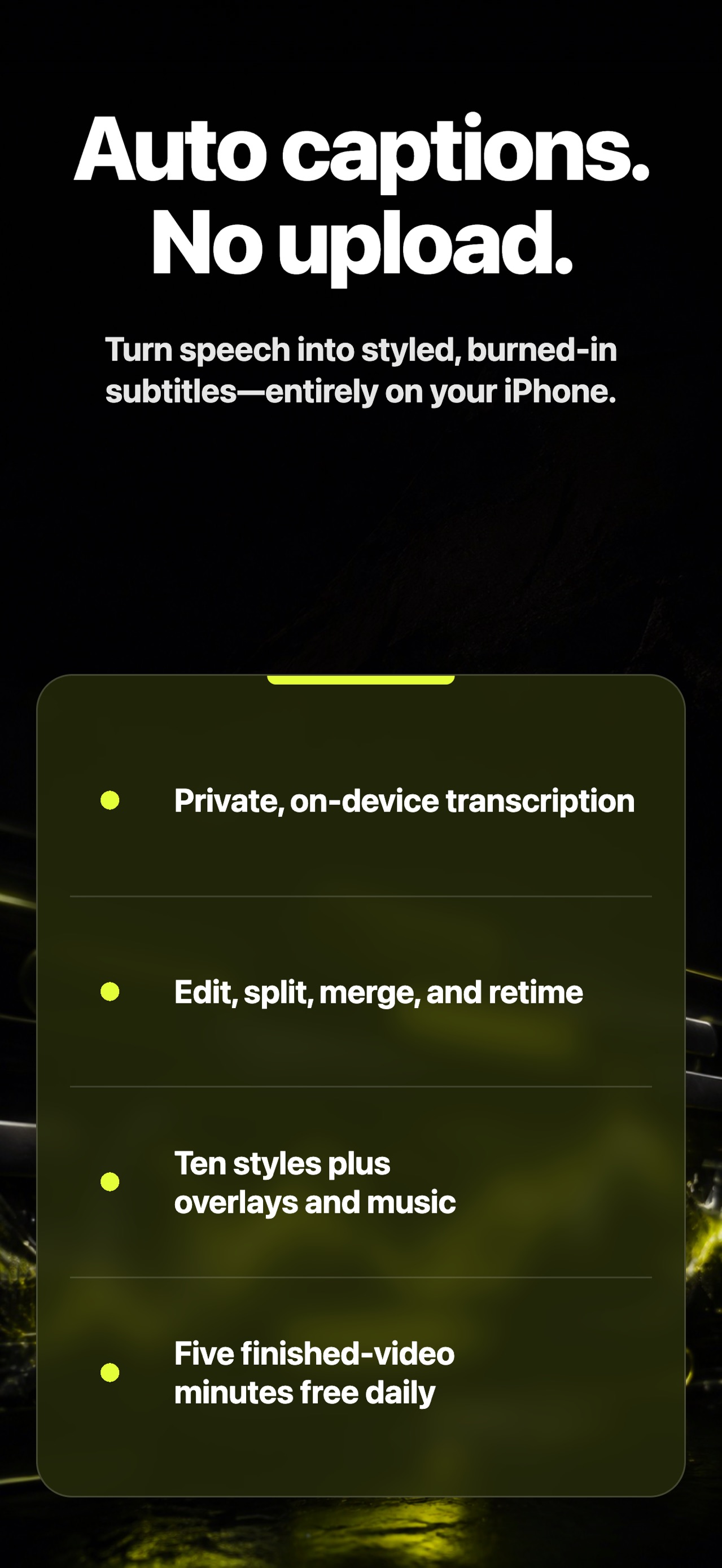
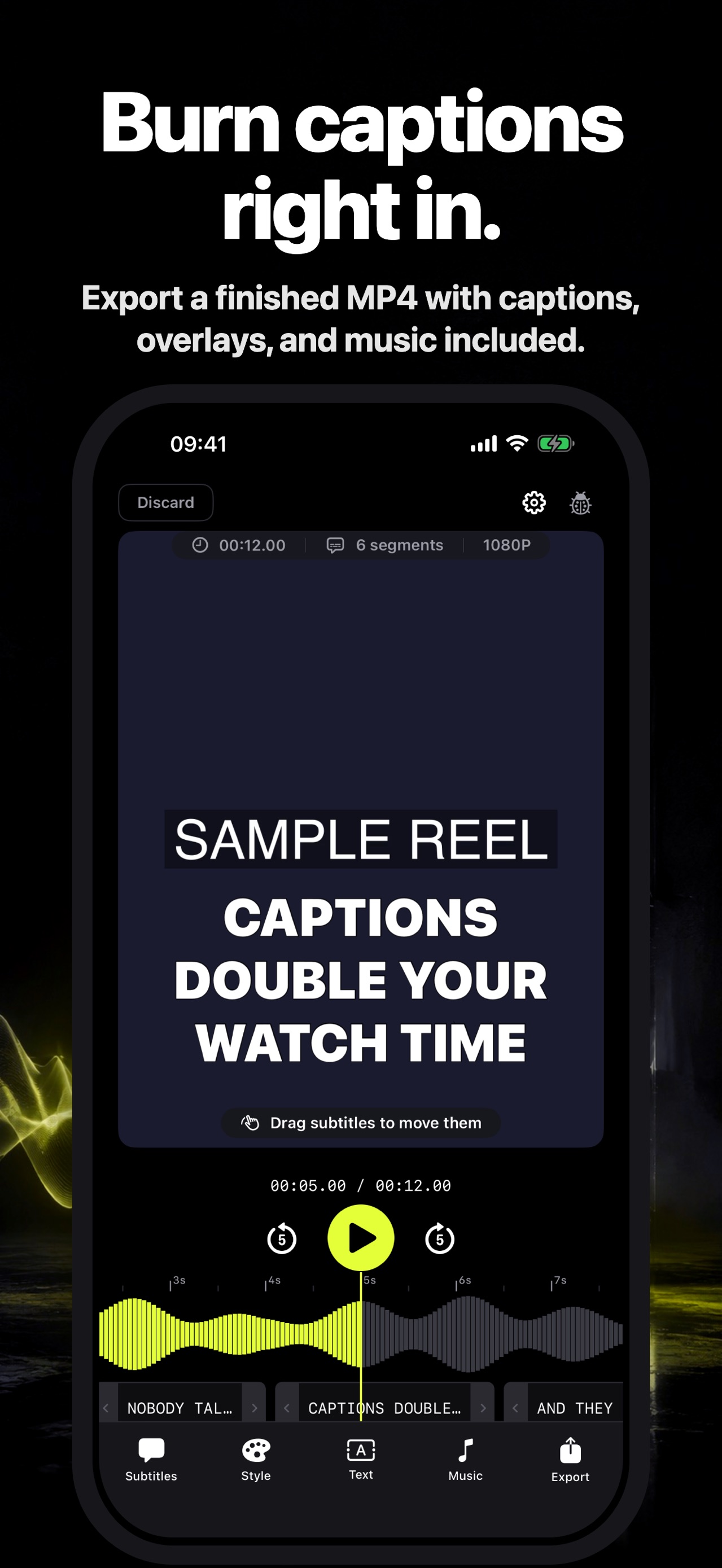
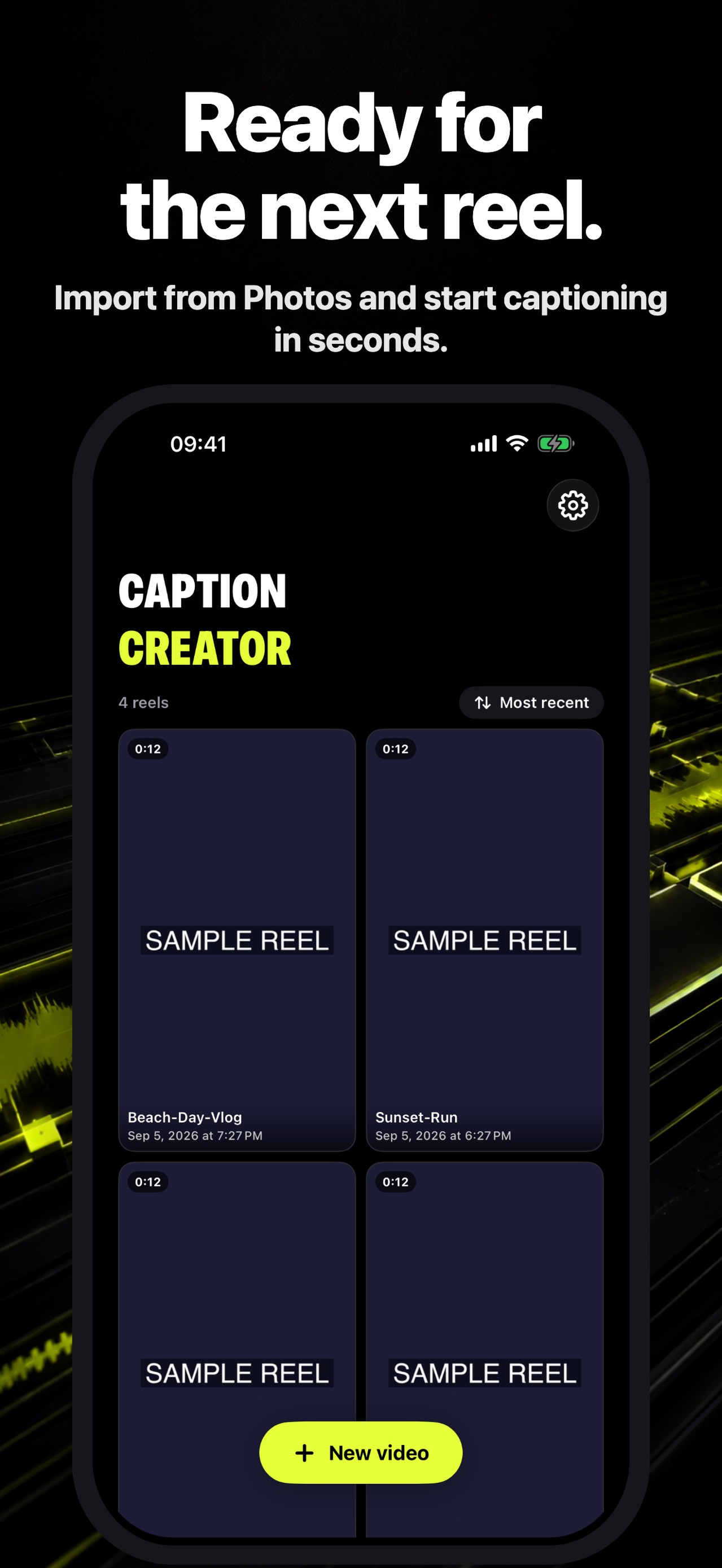
Choose a video from Photos. Caption Creator transcribes it on your iPhone, lets you correct and style every segment, then burns the subtitles into a finished MP4.
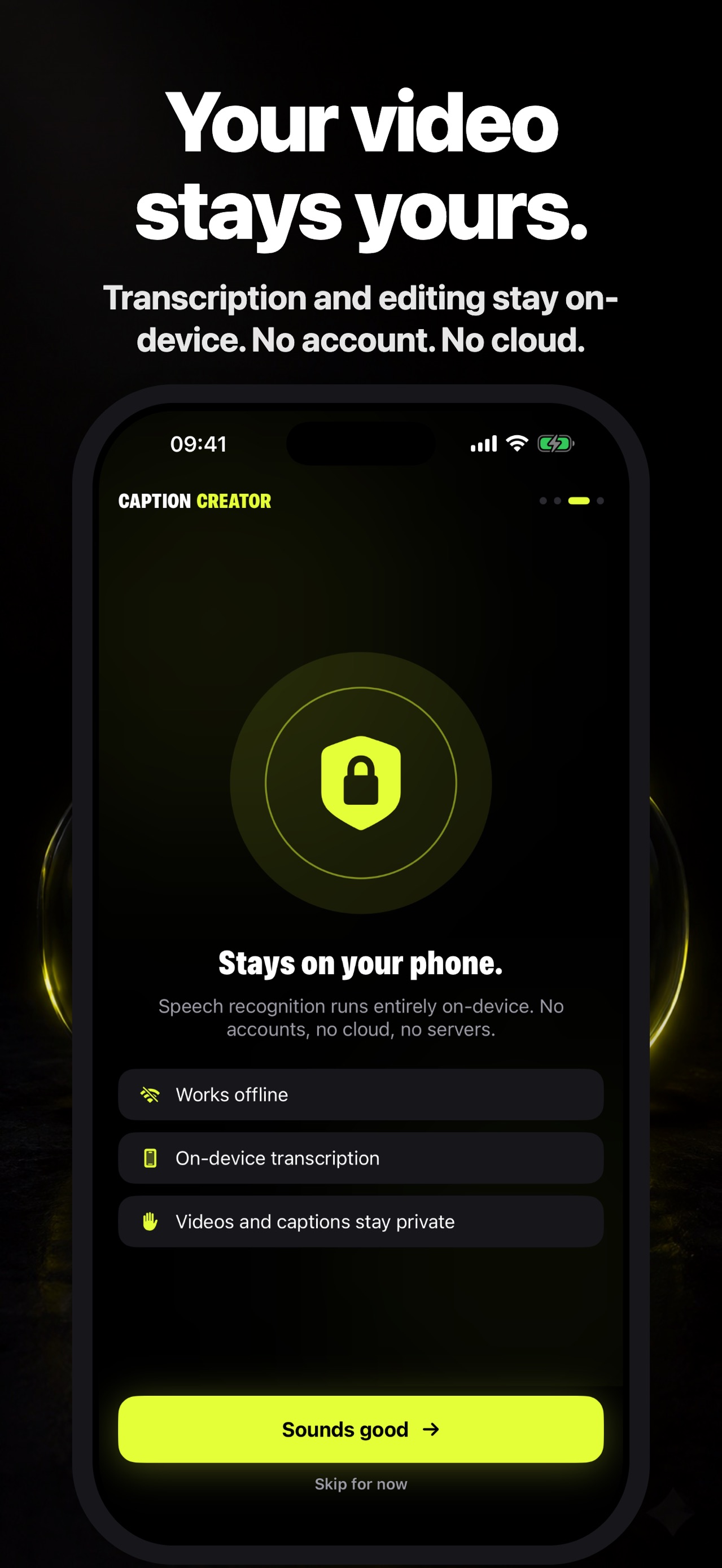
Create captions on-device
- Automatic transcription powered by Apple’s on-device speech recognition
- No account and no source-video upload
- Works without a cloud transcription service
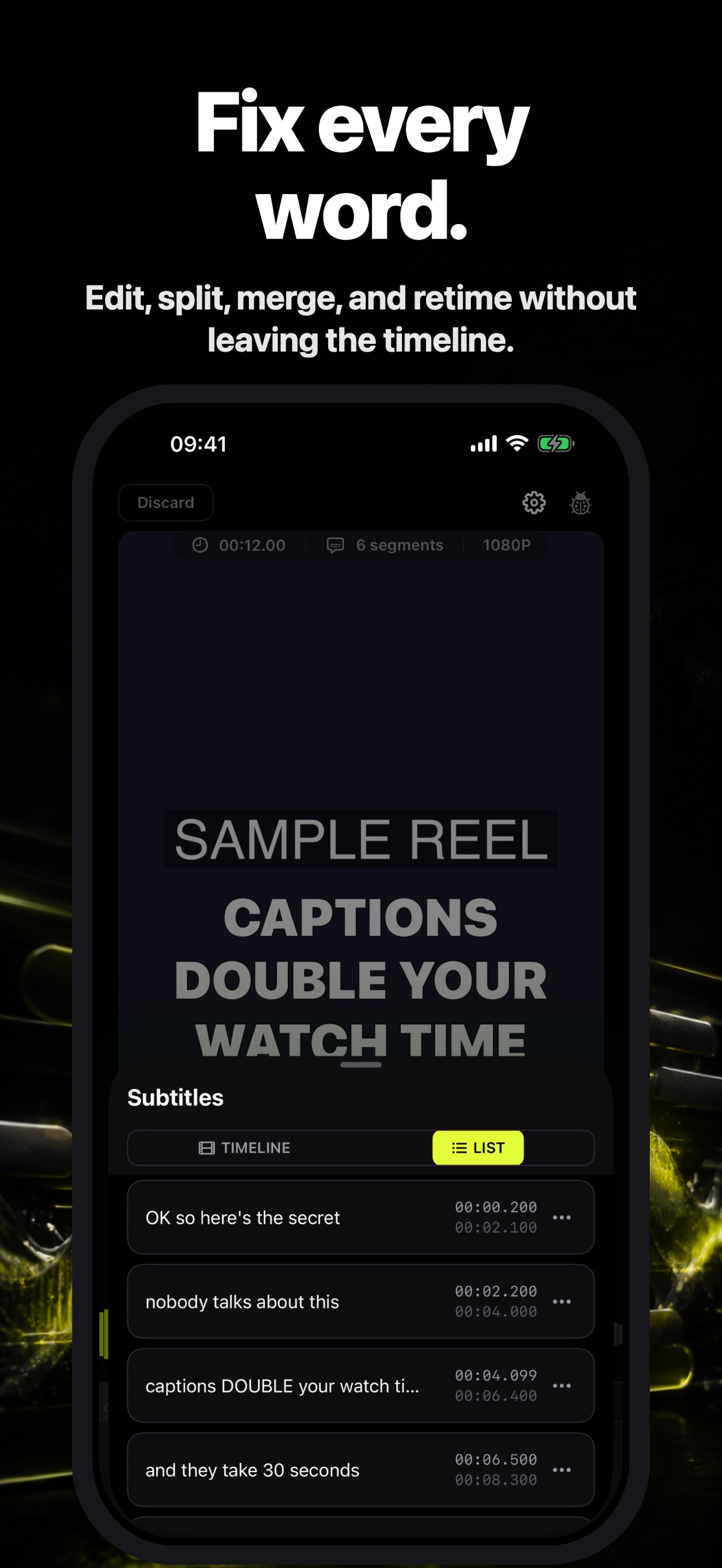
Fix every word
- Edit the full transcript as a clean list
- Split and merge caption segments
- Drag timing handles against the audio waveform
- Preview word-by-word highlighting while the video plays
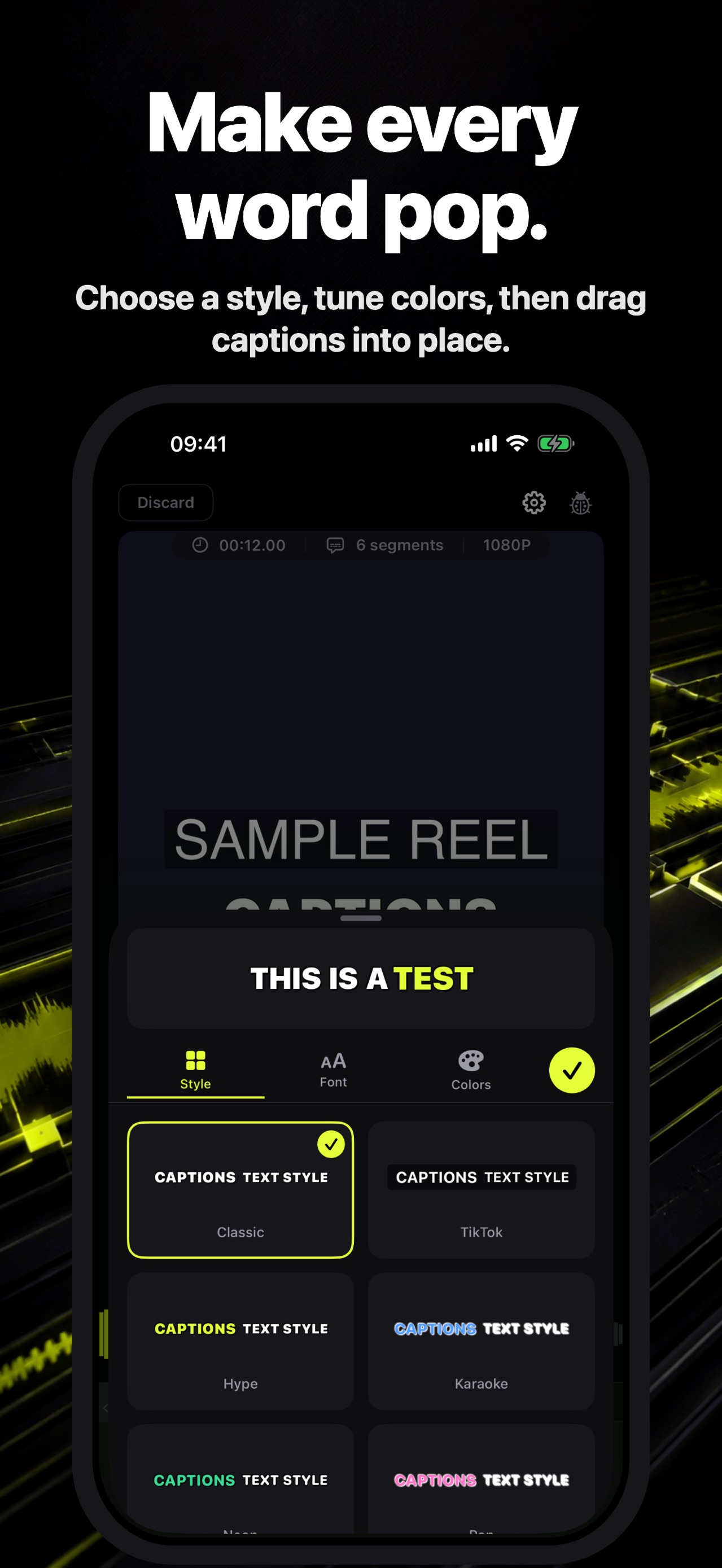
Make the look yours
- Ten caption styles, including Classic, TikTok, Hype, Karaoke, Neon, Minimal, Highlight, Cinema, and Code
- Adjust font, text color, stroke, highlight, and vertical position
- Add free-text overlays and background music
Export a finished video
Captions, text overlays, and your music mix are burned directly into the exported MP4, ready to save to Photos and share wherever you choose.
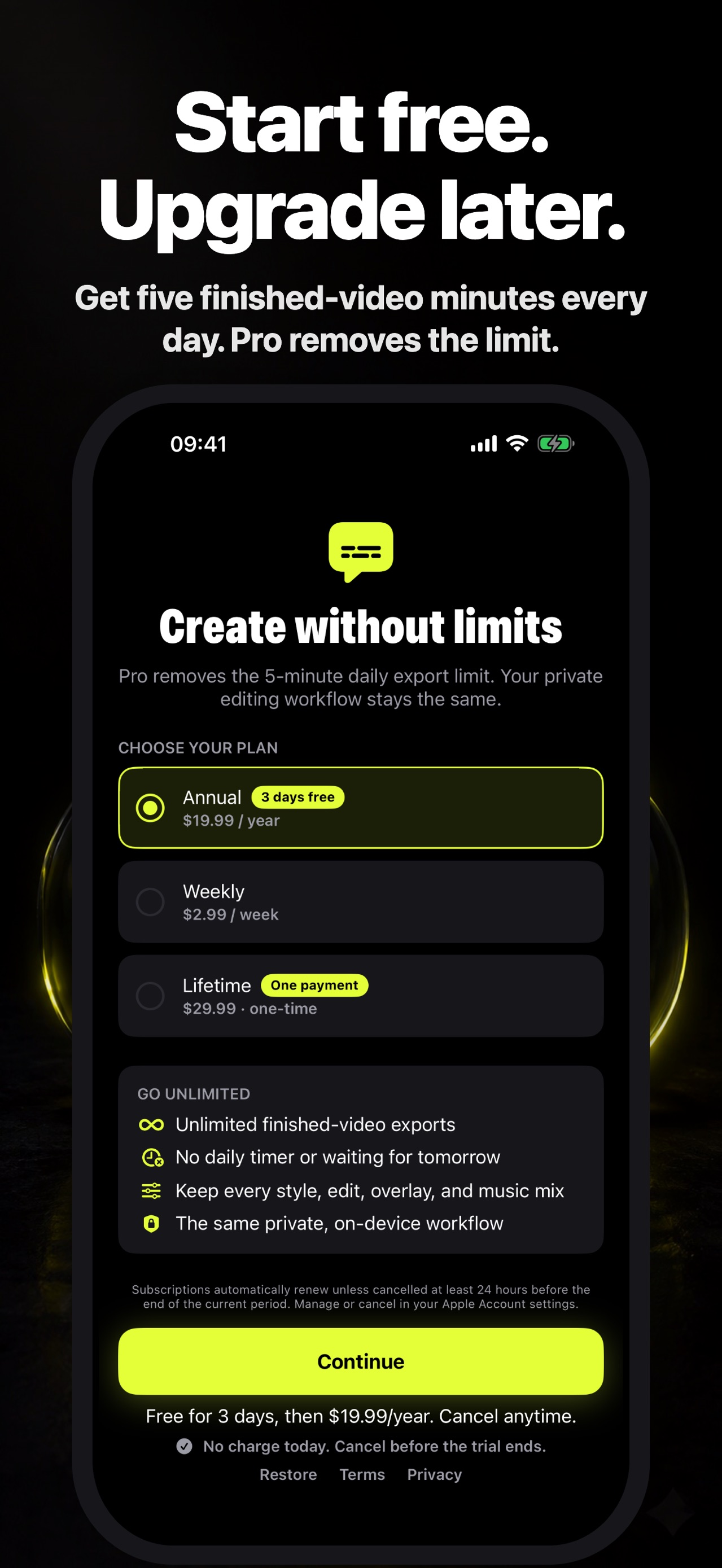
Start free
Export up to five minutes of finished video each day for free. Caption Creator Pro removes the daily export limit. Choose weekly, annual, or one-time lifetime access in the app. Any eligible introductory offer is shown before purchase.
Subscription terms
Payment is charged to your Apple Account at confirmation. Weekly and annual subscriptions automatically renew unless cancelled at least 24 hours before the end of the current period. Manage or cancel subscriptions in your Apple Account settings. Lifetime access is a one-time purchase.
Details
- Price
- Free
- Category
- Photo & Video
- Requires
- iOS 26 or later
- Age rating
- 4+
- Version
- 1.7.1
- Size
- 15 MB
- Updated
- 7 September 2026
Ready to try it?
Keep Captions: Auto Video Subtitles close at hand.
Open the store page to see the latest version, screenshots, and availability for your device.
More from Pocket Grove



Questions about Captions: Auto Video Subtitles? Get support or read the privacy policy.
All apps →